RAY User Guide Using RAY
45
•
Number 7 – Voice Dialing: Enables you to call a person by saying his/her
name after the beep sound. This capability is enabled by automatic speech
recognition and is subject to errors due to background noises, accent and
unclear prompting. To perfect this function, you may have to practice a bit and
adjust your pronunciation.
•
Number 8 – Missed Calls: Provides a history of missed calls.
Dialing a Number
Dialing a NumberDialing a Number
Dialing a Number
Home Menu
Telephone Menu
Number 2
►
To make a phone call
To make a phone call To make a phone call
To make a phone call by dialing a number:
by dialing a number:by dialing a number:
by dialing a number:
1 From the Home Menu, go to the Telephone Menu by placing your finger
somewhere in the middle of the screen and sliding it upwards towards the
number 2.
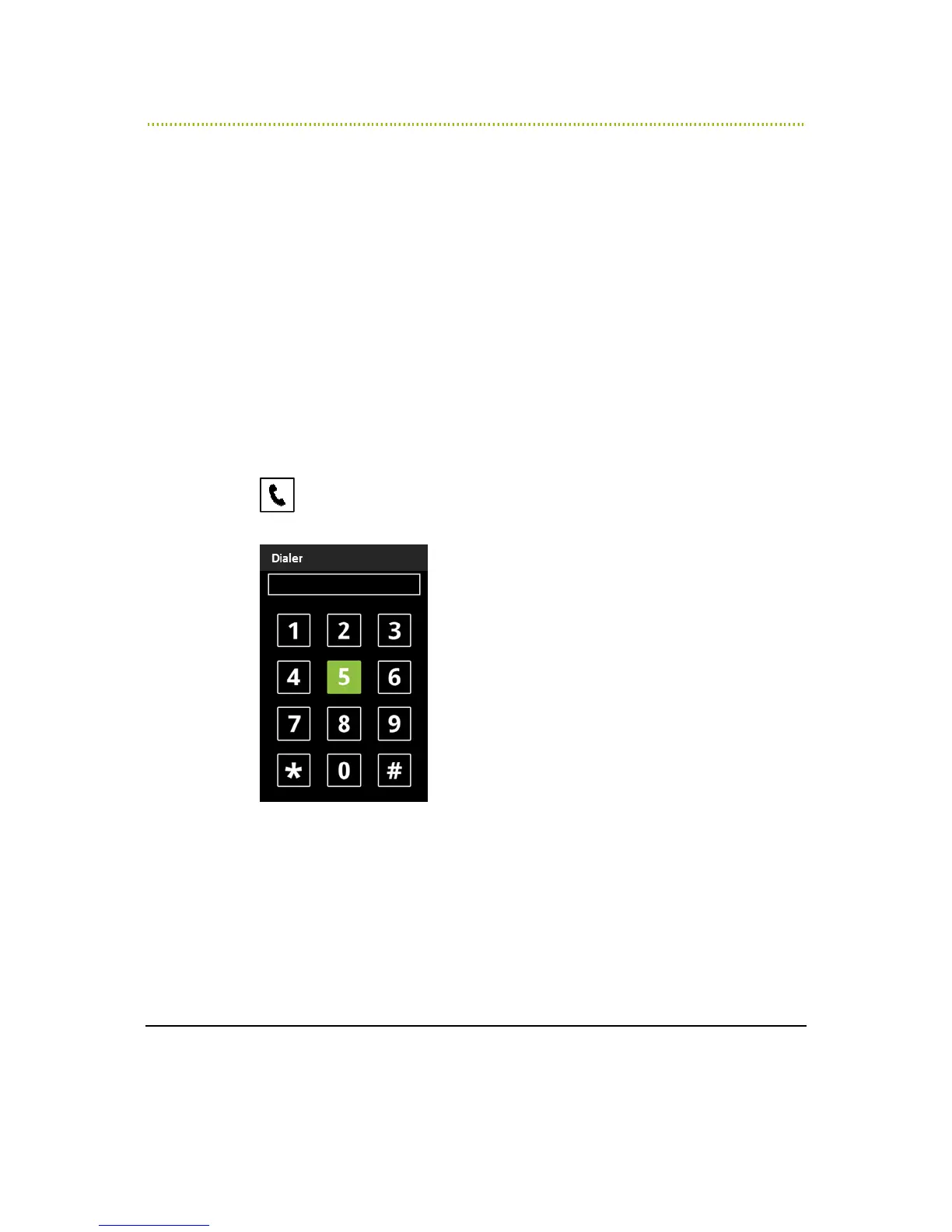
RAY says Dialer and a 12-key dialing keypad appears, as shown below:
Figure 18: Dialer
2 Enter the phone number to dial, as described in the
Entering a Number
section
on page 20.
3 To dial the number that was entered, slide your finger to the number 6 and
leave it there until RAY says Dial and then lift your finger to dial.



 To Next Page