RAY User Guide RAY Interface Basics
31
RAY
RAY RAY
RAY L
LL
List
istist
ist
Screens
ScreensScreens
Screens
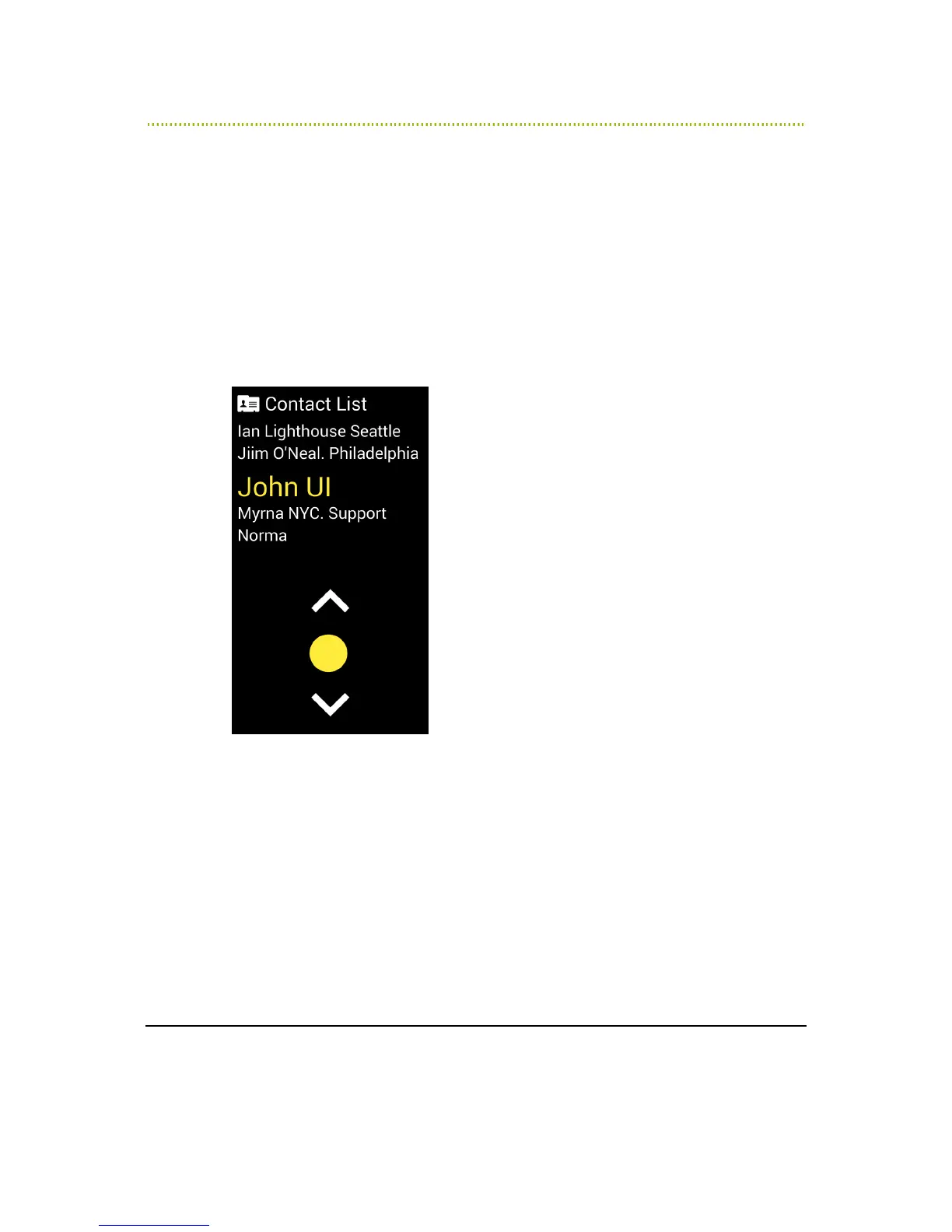
RAY provides a variety of services that use a RAY List screen. Each List screen
operates in the same manner as described below.
A RAY List screen enables you to select one item from a list of items of the same
type. For example, to select a Contact from your Contact List, to select a book
from a Book list and so on.
When a List screen is first opened, RAY reads out its name (for example Contact
List or Book List) and tells you how many items are in the List screen.
Figure 12: RAY List Screens



 To Next Page