RAY User Guide Using RAY
64
More
Home Menu
Number 9
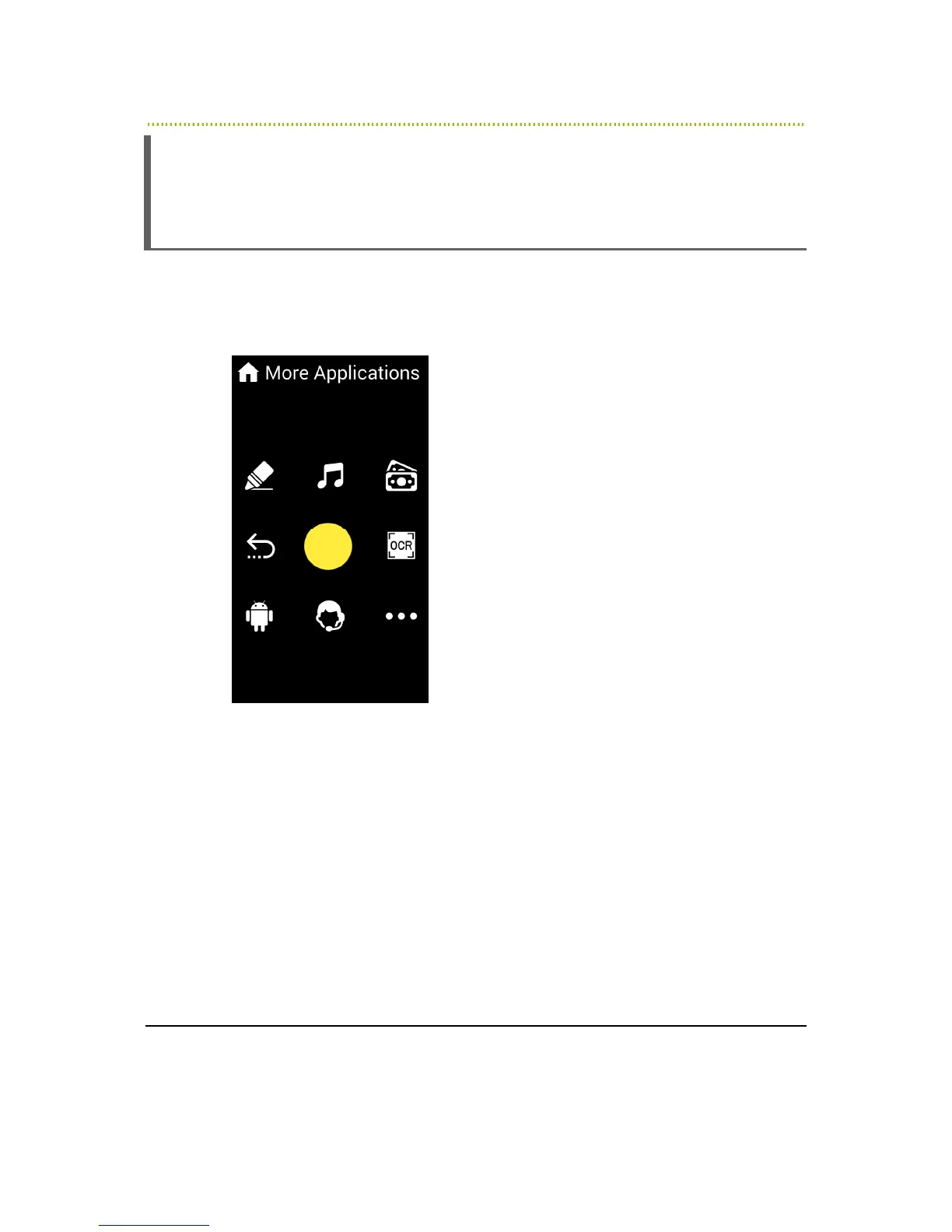
The More option opens a Menu of additional application services. It is available in
the direction of the number 9 in the Home Menu.
Figure 26: More Menu
The following options are provided in the More Menu:
•
Number 4 – Previous Screen
•
Number 1 – Colors: Enables you to use RAY to identify a color. Point RAY at
the object and then tap the screen. RAY reads out the color.
•
Number 2 – Music: Opens a list of music that you have on the device or
loaded from your personal RAY web page on the Internet available at the RAY
website, as described in
Chapter 5, Remote Control and Configuration
on page
68.
•
Number 3 – Banknotes: Enables you to use RAY to identify the value of bill.
Point RAY at the bill and then tap the screen. RAY then reads out the bill
value.



 To Next Page