RAY User Guide Using RAY
42
•
Number 6 – Library, page 54, provides a variety of library services.
•
Number 9 – More, page 59, provides a variety of additional services.
•
Number 8 – Location, page Error! Bookmark not defined., provides
various lessons and practice sessions describing how to use RAY.
•
Number 7 – Calendar, page 59, provides various scheduling options.
•
Number 4 – Events, page 61, provides a list of notifications of various
system and application events.
Speed Dialing
Home Menu
Number 1
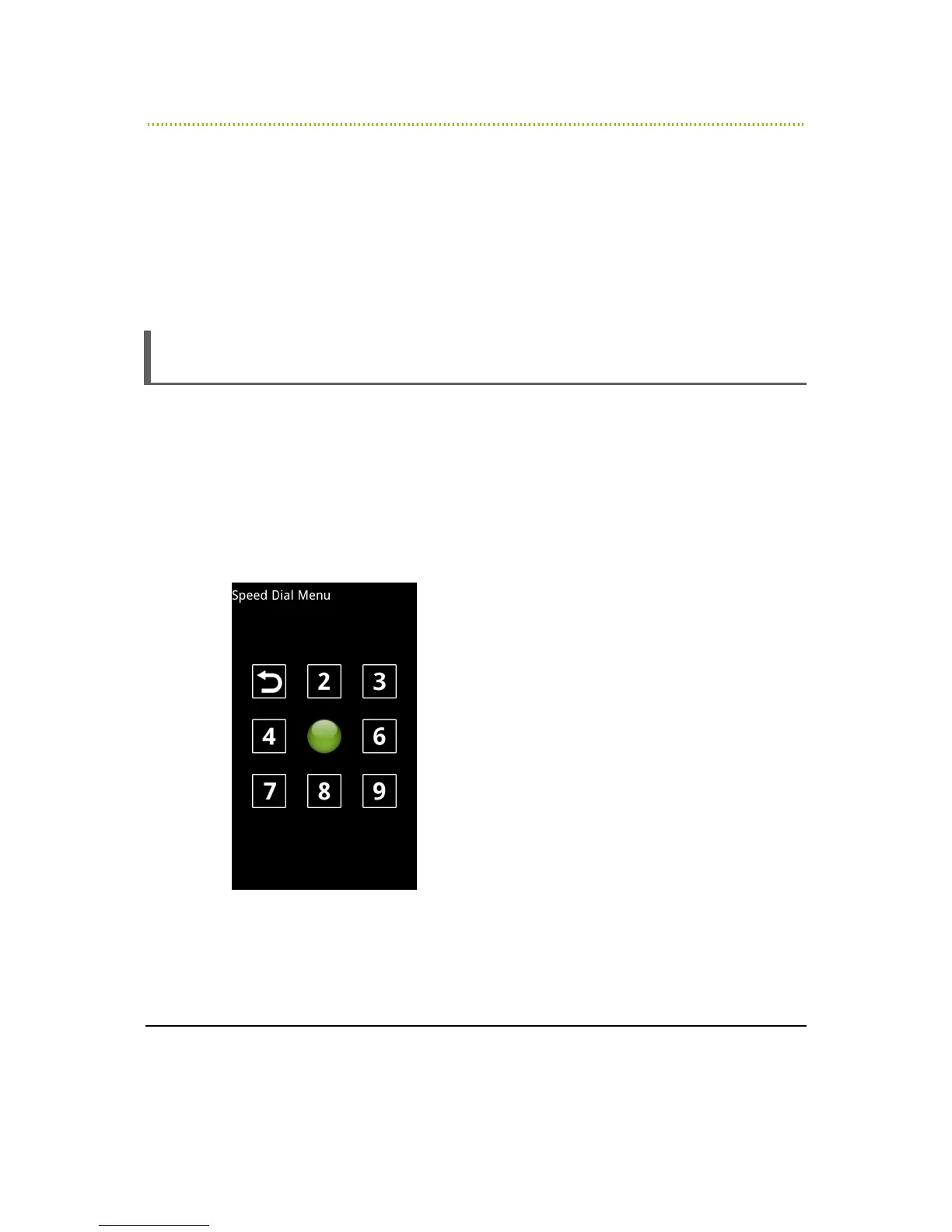
RAY enables you to define and dial up to seven preset numbers for quick dialing in
the number key positions 1, 2, 3, 6, 7, 8 and 9.
The Previous Screen option is in the number 4 position. This is standard for all
Menus.
The same Speed Dial Menu is used to define Speed Dial presets and to speed
dial, as described below:
Figure 16: Speed Dial Menu
You can only define speed dial presets after you have added Contacts to your
Contact List, as described in the
Entering a New Contact
section on page 49.



 To Next Page