RAY User Guide Using RAY
44
Telephone
Home Menu
Number 2
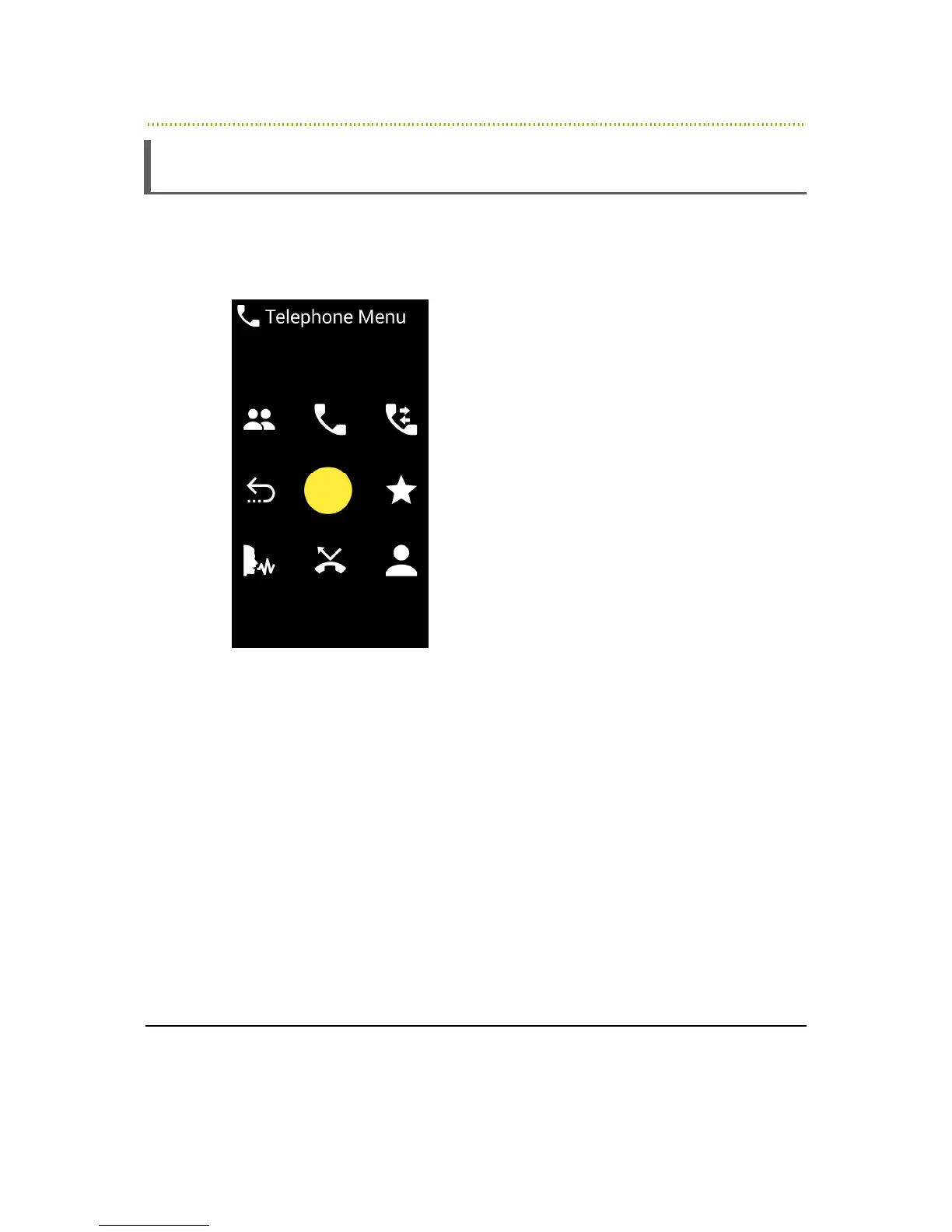
The following Telephone services are available from the Home Menu in the
number 2 position:
Figure 17: Telephone Menu
•
Number 4 – Previous Screen
•
Number 1 – Manage Contacts: Enables you to fully manage your contact
list including add delete and change. Note that you can also manage your
contact list from the web (see remote assistance chapter).
•
Number 2 – Dialer: See below, enables you to make a call by dialing a
telephone number.
•
Number 3 – Call Log: Tracks all of the calls on this RAY and initiate follow-
up actions including convert a number to a contact person, call back to the
person/number, send a message and such.
•
Number 6 – Call Favorite contact: See below, enables you to easily call
your favorite Contacts.
•
Number 9 – Call Contact: See below, enables you to call a Contact.



 To Next Page