RAY User Guide Using RAY
61
Location
Home Menu
Number 8
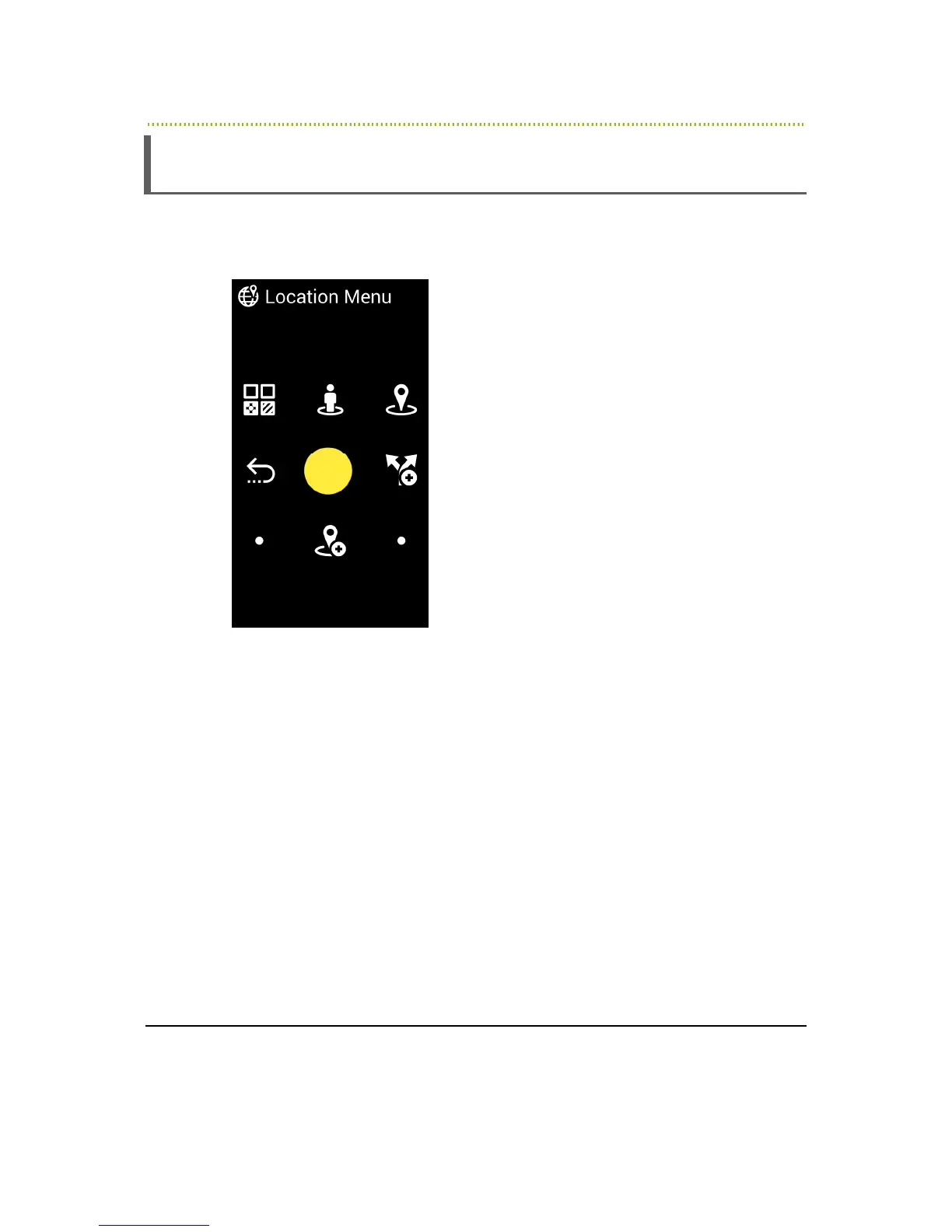
The Location Menu provides various scheduling options.
Figure 25: Calendar Menu
•
Number 4 – Previous Screen
•
Number 1 – Search by Category: Search for business type around your
current location
•
Number 2 – My Location: Reads out your current geographic location. The
system is based on a GPS component inside the device. Its accuracy level is
determined by the information received by the device. This option requires a
connection to the Internet from RAY at the moment this option is used.
•
Number 3 – Around Me: Search for businesses around your current location
•
Number 6 – New Trip: Enables getting direction information using public
transportation (available in selected countries only)



 To Next Page