RAY User Guide Using RAY
59
Note
You may also download books from your own personal RAY web page on the
Internet available at the RAY website, as described in
Chapter 5, Remote
Control and Configuration
on page 68.
Note
To exit third-party applications, such as IDEAL Group Reader, use the Power
Menu, as described on page 23.
Calendar
Home Menu
Number 7
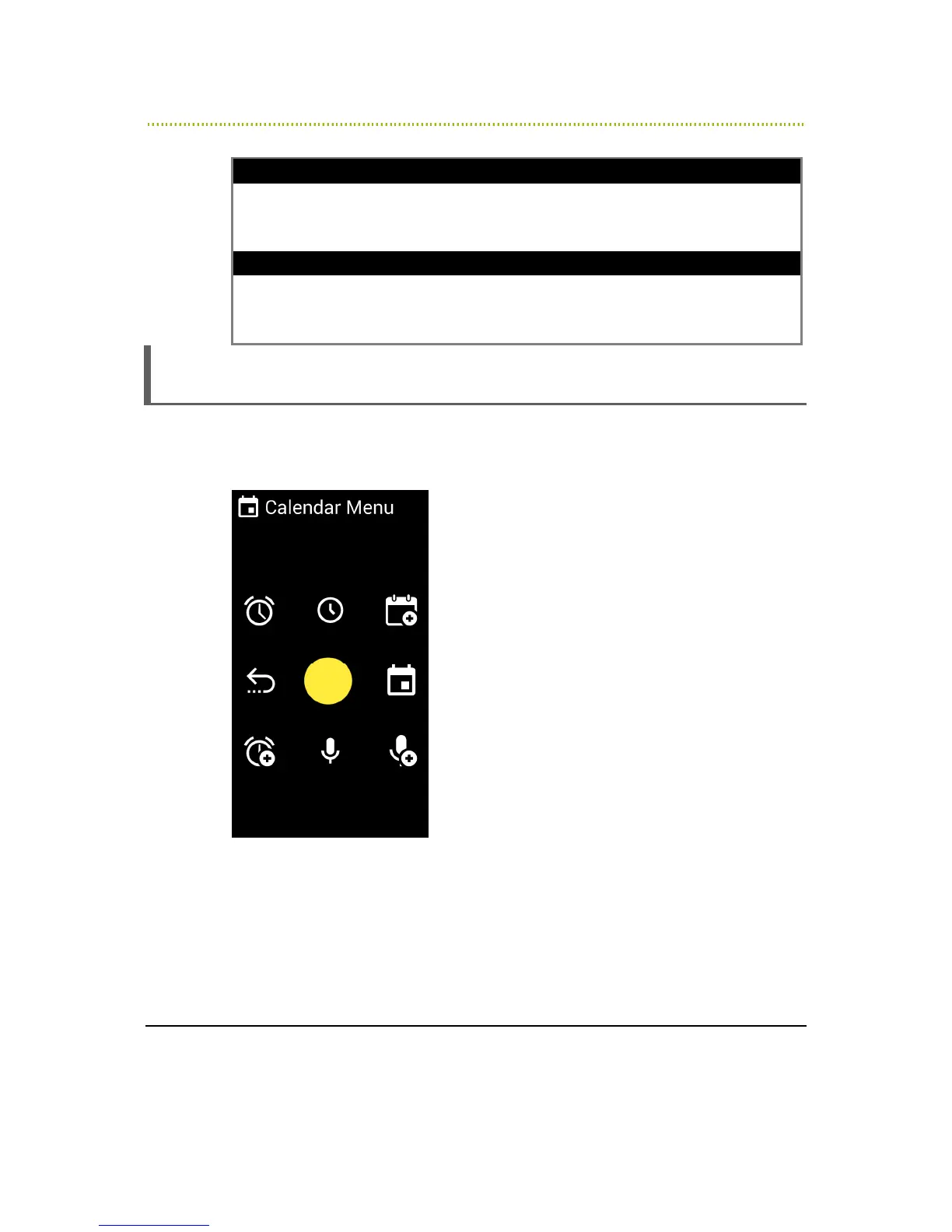
The Calendar Menu provides various scheduling options.
Figure 24: Calendar Menu
•
Number 4 – Previous Screen
•
Number 1 – Alarm List: Readers out your alarm list.
•
Number 7 – Add Alarm: Enables you to add an clock alarm.



 To Next Page