RAY User Guide Using RAY
47
Calling
Calling Calling
Calling U
UU
Using Speech Recognition
sing Speech Recognition sing Speech Recognition
sing Speech Recognition
Home Menu
Telephone Menu
Number 2
►
To make a phone call using speech recognition:
To make a phone call using speech recognition:To make a phone call using speech recognition:
To make a phone call using speech recognition:
1 From the Home Menu, go to the Telephone Menu by placing your finger
somewhere in the middle of the screen and sliding it upwards towards the
number 2.
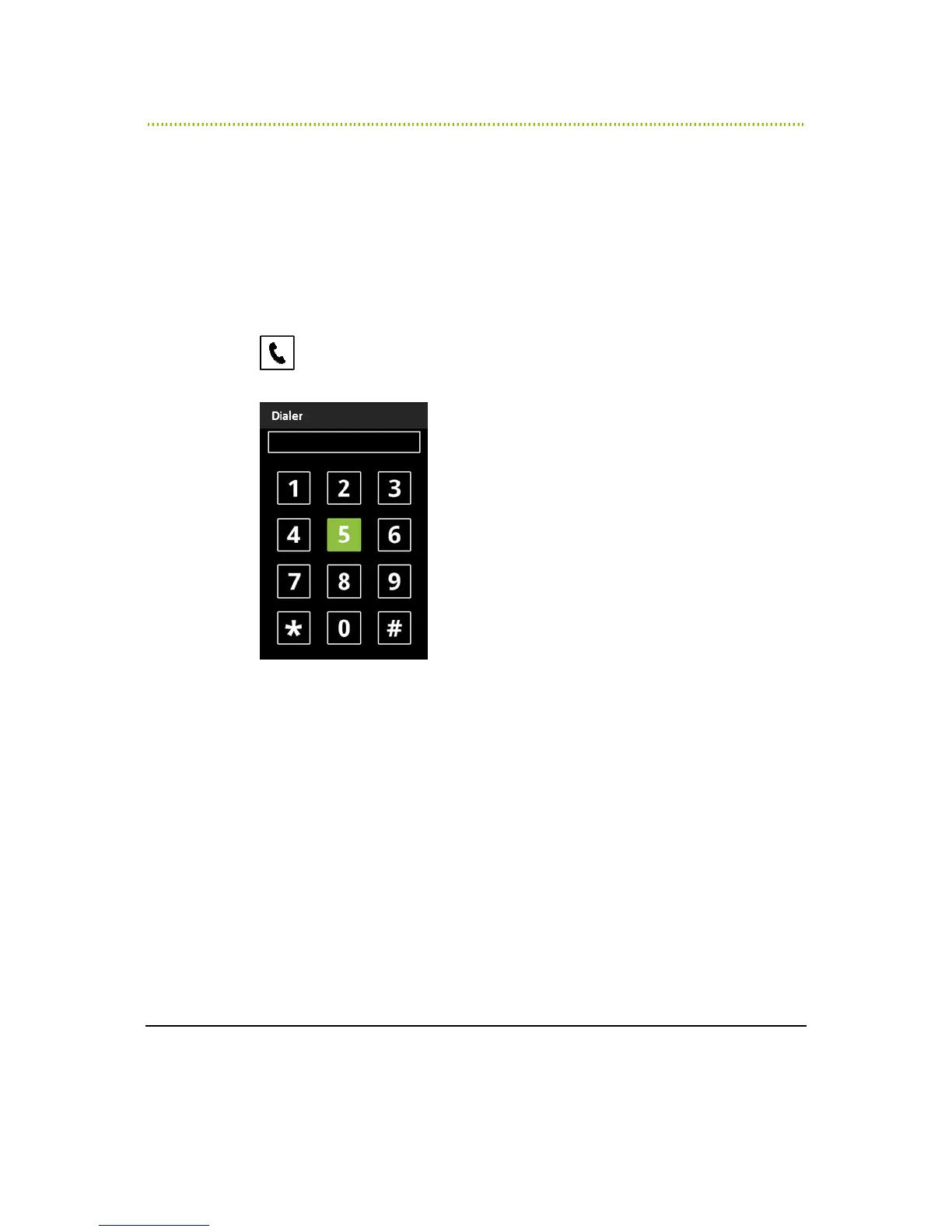
RAY says Dialer and a 12-key dialing keypad appears, as shown below:
Figure 19: Dialer
2 RAY is now in speech recognition listening mode until you touch the screen
with your fingers.
You can now say the digits to dial. After a one second silence, RAY reads out
the number.
3 Say the words “RAY Dial” to dial the call.



 To Next Page