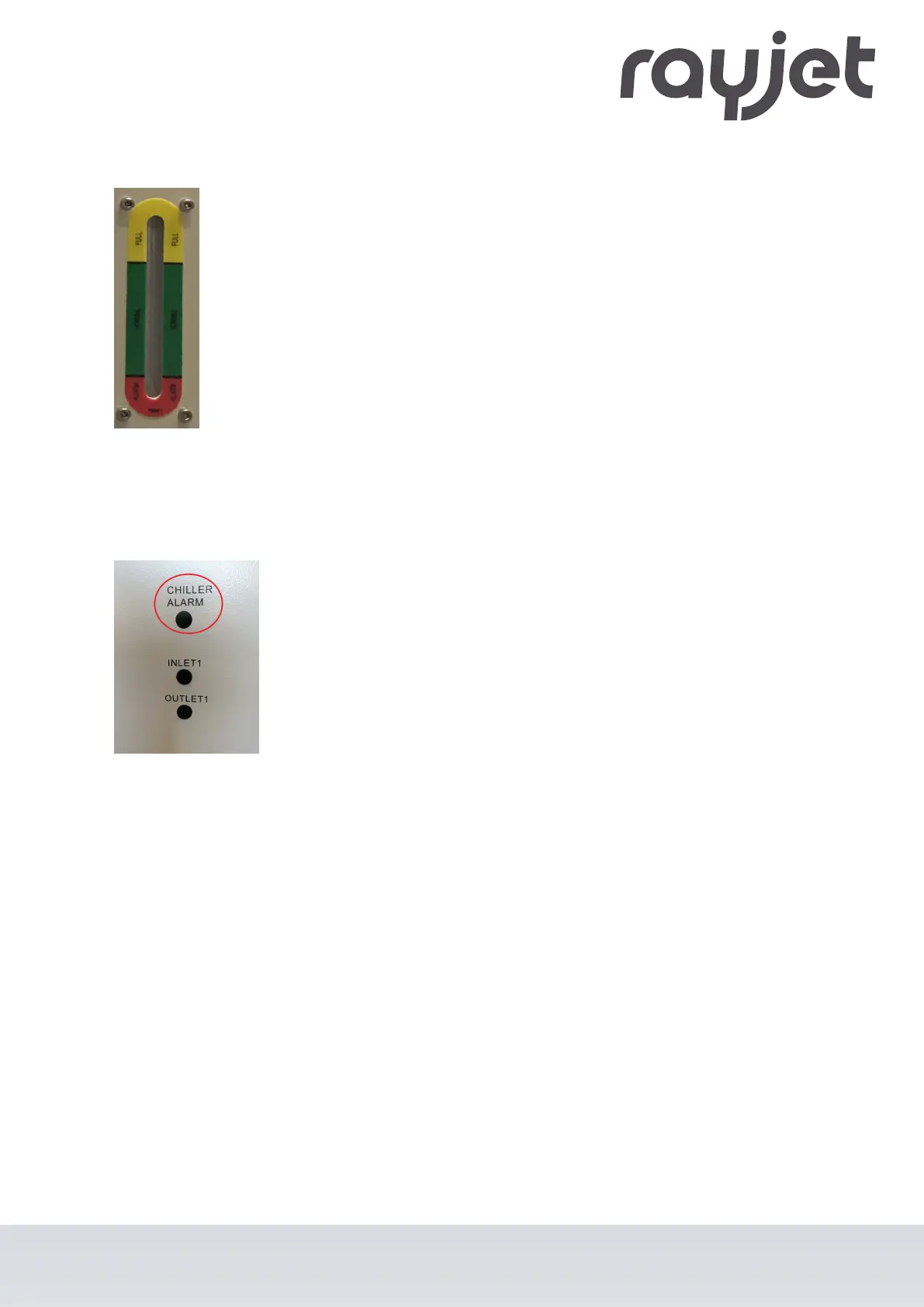
4. Check the water level on the level indicator.
The water level must be within the
green range.
5. Switch on the system and check the level indicator again.
(When all hoses are completely filled, the water level may drop slightly.)
6. Check all hoses for leaks.
7. Connect the water cooling system cable to the cooling alarm connection.
ENGLISH (Translation)
07/2021
48 / 83



 To Next Page