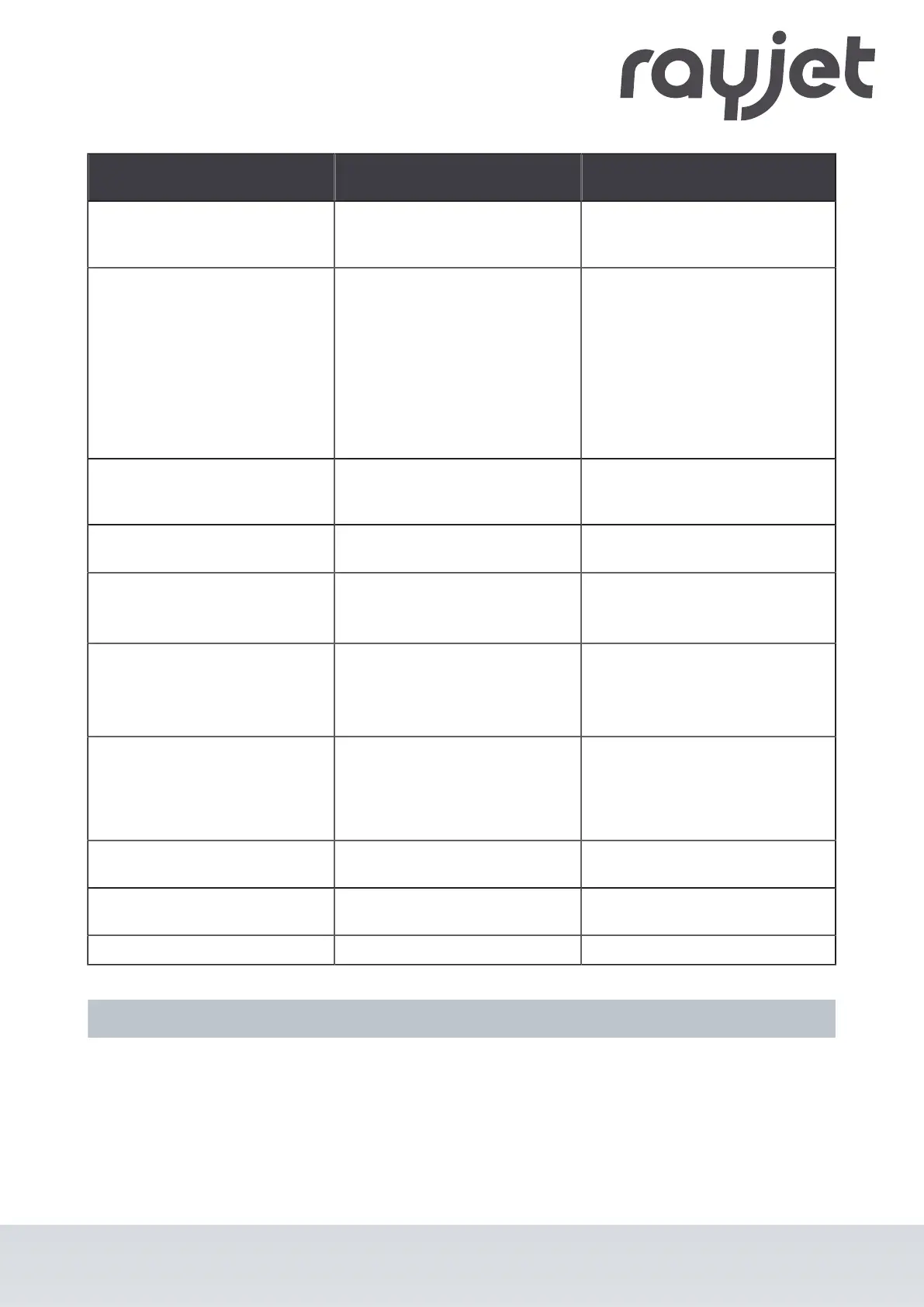
Problem Possible cause Remedy
Fine details on stamps are
engraved too thinly.
•
Too steep shoulders.
•
Choose other shoulder or edit
(flat/medium/steep): Options/
Process Options/Stamp.
The size to be engraved or
cut does not match the size in
CorelDraw.
•
Raster correction ON in the
software.
•
Wrong size settings in the
printer driver.
•
Wrong image position is
selected in the layout tab
(printing).
•
Wrong machine is selected in
the software.
•
Switch off raster correction
in the software (settings/
advanced options/laser tab).
•
Use the same size as in
CorelDraw.
•
Switch the layout settings to: as
in document.
•
Select the proper machine in
the software.
Corners and angles are not cut
or marked.
•
Power too low.
•
Increase the correction in the
software (Settings / Material
Templates Setup - Correction).
No referencing after
comissioning.
•
Top, front or side door not
closed.
•
Close doors.
No response upon switching on
of the system.
•
Fuse blown.
•
No electric power at power
outlet.
•
Check fuses.
•
Check power outlet.
No communication with
machine.
•
Invalid COM port selection.
•
Communication cable defect.
•
COM: port is in use by
another program.
•
Change selection.
•
Check cable.
•
Close this program, or change
the COM port.
Connection to machine
frequently interrupted.
•
Electromagnetic emissions.
•
Make sure that machine and
computer are connected to
the same electric circuit; the
original cable lengths should
not be exceeded.
Offsets between engraving jobs
and cut lines.
•
Speed too high.
•
Reduce speed.
Errorcode 124
•
Interlocks open during the
referencing process.
•
Restart the machine (key
switch).
Other faults.
•
Contact Technical Support.
9.2 How to create a service file
1. Start the software RayjetManager.
ENGLISH (Translation)
07/2021
72 / 83



 To Next Page