7.8 Focusing
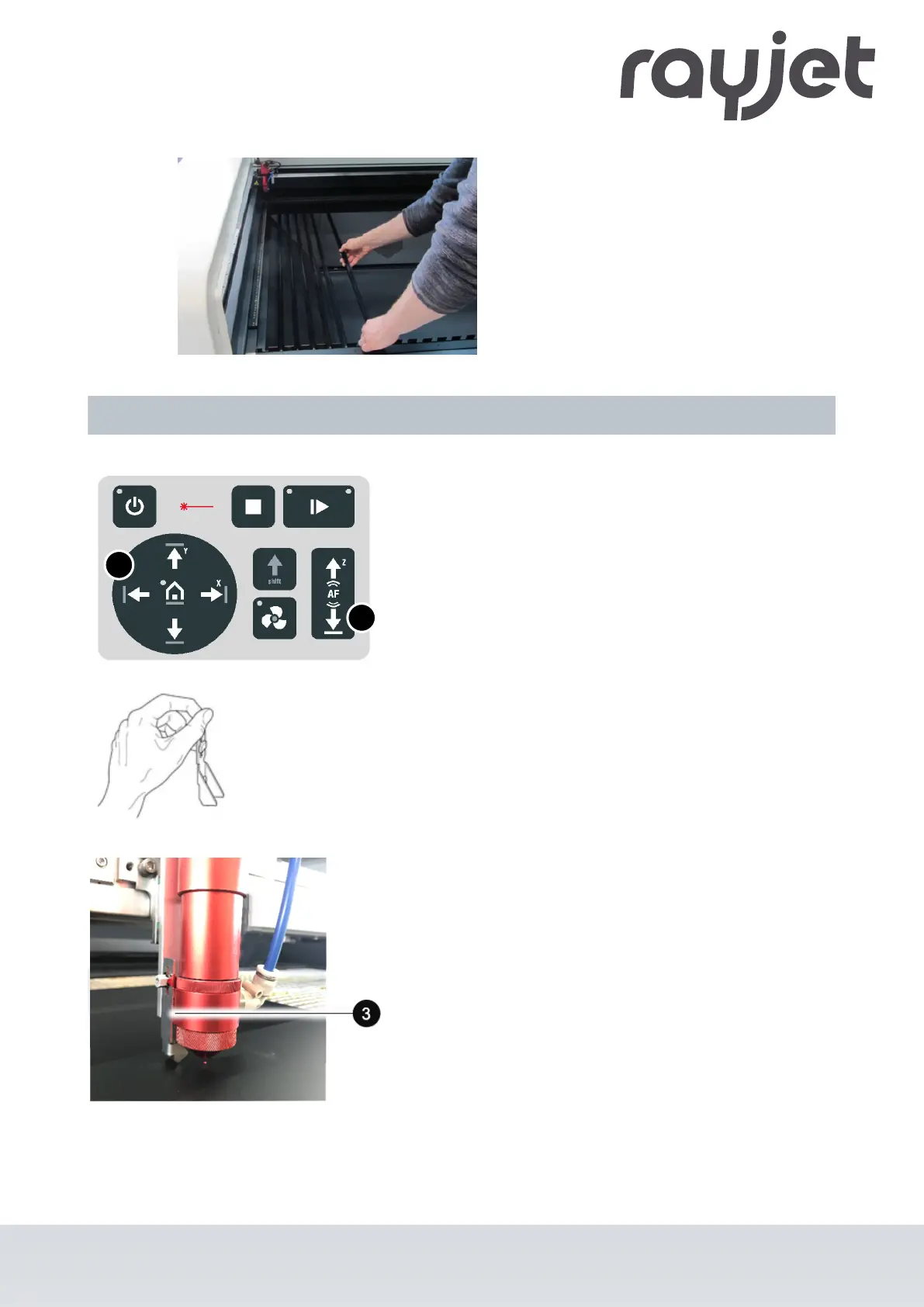
1. Move the processing head over the material to be
engraved by means of the Laser head control button X/
Y (2) on the keypad.
2. Hang the focus tool (3) on the allocated space on the
laser head so that the focus tool can move unhindered.
3. Move the X-axis downwards by pressing the Working
table control button Z (1).
4. Before the focus tool reaches the work piece, move the
working table upwards very slowly and step by step by
briefly tapping the Working table control button Z (1)
until the focus tool tilts to the side or falls off its position.
Now the lens is focused onto the surface of the
material.
ENGLISH (Translation)
07/2021
57 / 83



 To Next Page