7.3 Power On/Off
Notice
In order not to restrict or obstruct the freedom of movement of the mechanics, no objects of any
kind may be located in the machining area.
All safety protection covers have to be fully functional and closed.
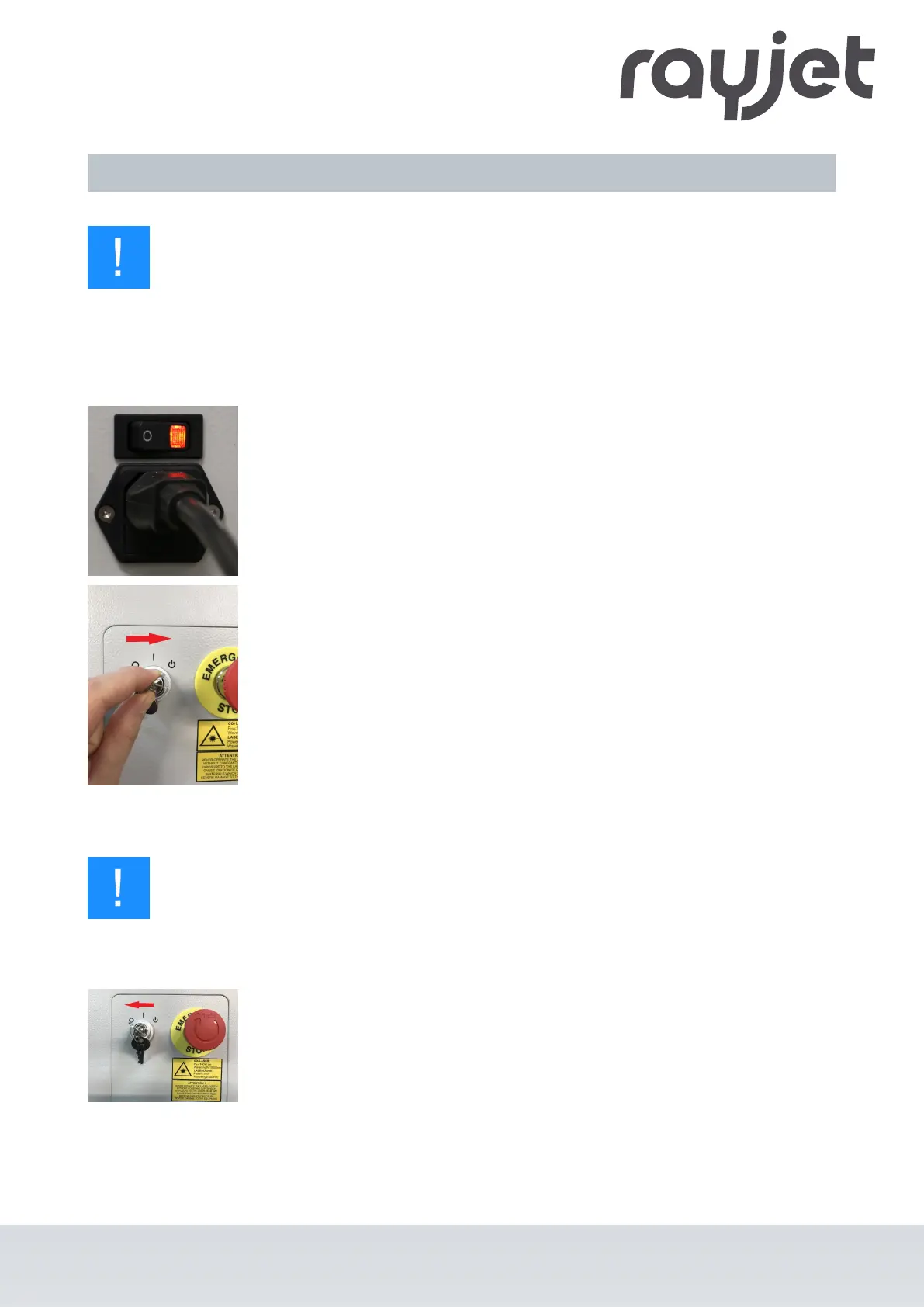
Switch on machine:
1. For water-cooled systems, first switch on the water cooling.
2. Switch on the main power supply using the main switch on the rear of the
machine.
3. Turn the key switch to the right and hold it against the spring force.
4. As soon as the machine starts, release the key switch.
5. The referencing process starts.
6. A signal tone then sounds and the system is ready for operation.
:
Notice
Additionally the ready-to-use state is indicated through the slow flashing of the green status
LEDs.
Switch off machine:
7. Turn the key switch to the left.
ENGLISH (Translation)
07/2021
50 / 83



 To Next Page