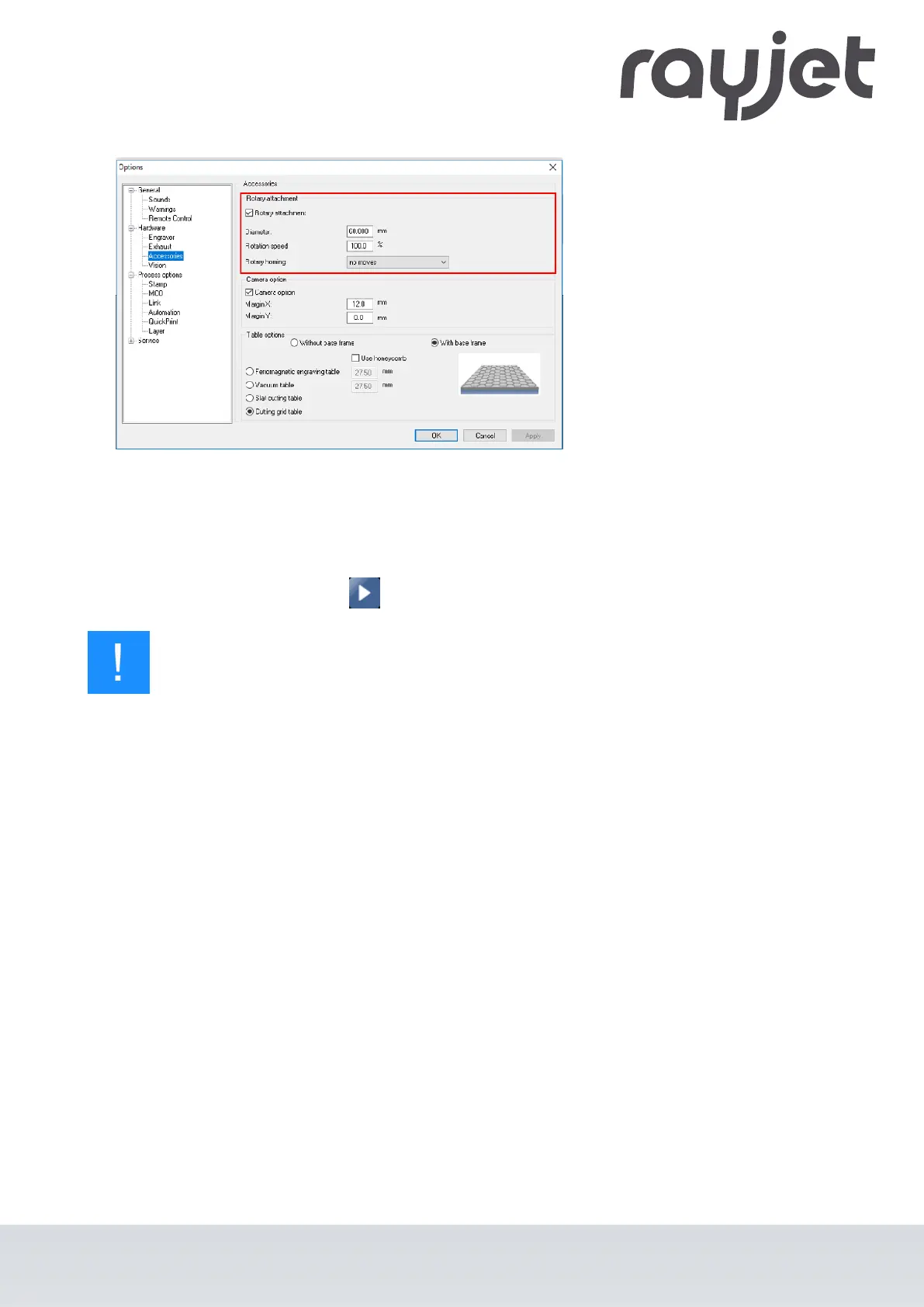
Settings "Rotary Engraving"
3. Double-click on the job in the waiting list to place it on the plate.
4. Position the laser head over the workpiece.
5. Start the engraving process.
Notice
See the Software manual for additional functions.
When using the Rotary attachment, the autofocus is automatically deactivated.
ENGLISH (Translation)
07/2021
60 / 83



 To Next Page