To Next Page


C
Christopher LopezSep 5, 2025
What to do if my Raymarine Monitor touchscreen does not operate as expected?
- EEdward PriceSep 5, 2025
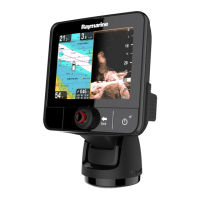
If the Raymarine Monitor touchscreen isn't working correctly, first ensure that the touch lock is disabled using the trackpad on the home screen. The screen requires direct contact with bare fingers to operate correctly, so remove any gloves. If problems persist, calibrate the touchscreen using the setup menus. Also, saltwater deposits on the screen can cause issues, so carefully clean and dry the screen as instructed.
 General