Chapter 3: Advanced Operation
15
Previous
Heading
D3505-1
The display shows the new bearing to waypoint.
Manual acquisition
For manual track acquisition, when only cross track error data is
available:
1. Steer the vessel to within 0.1nm of track.
2. Bring the heading to within 5° of the bearing to the next waypoint.
3. Press auto.
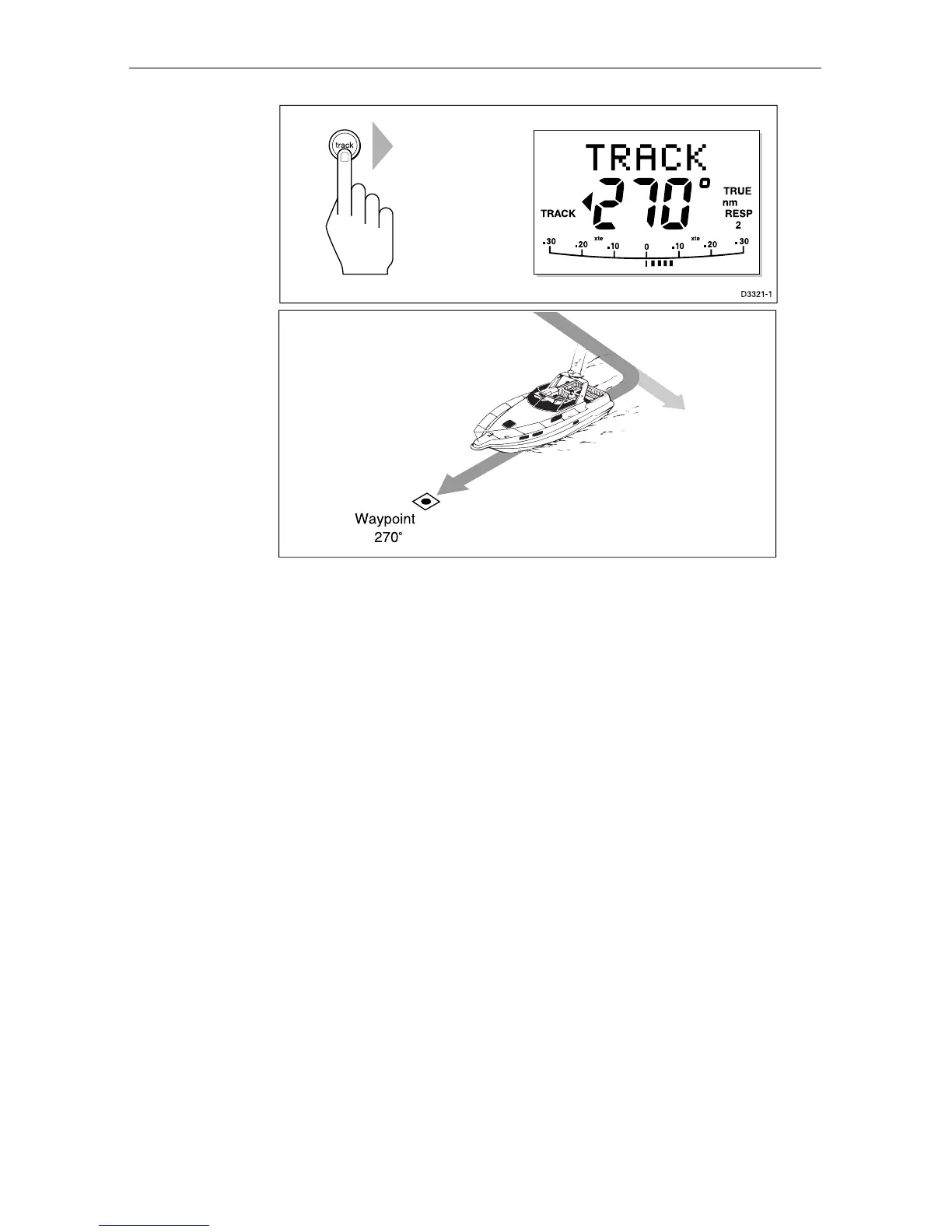
4. Press track to enter Track mode.
The display shows the locked pilot heading.
Note: At low speeds, the effect of tidal streams is far more significant
than it is at higher speeds. Providing the tidal flow is less than 35% of
the vessels speed, no noticeable difference should occur in the
performance of Track mode. However, extra care should be taken
during manual acquisition, as follows:
Ensure that the vessel is as close as possible to track, and the
direction made good over the ground is as close as possible to the
direction of the next waypoint, before selecting Track mode.
Make positive positional checks at regular intervals, especially if
navigational hazards are close by.


 To Next Page