60 ST6000 Plus Autopilot Control Unit Owner,s Handbook
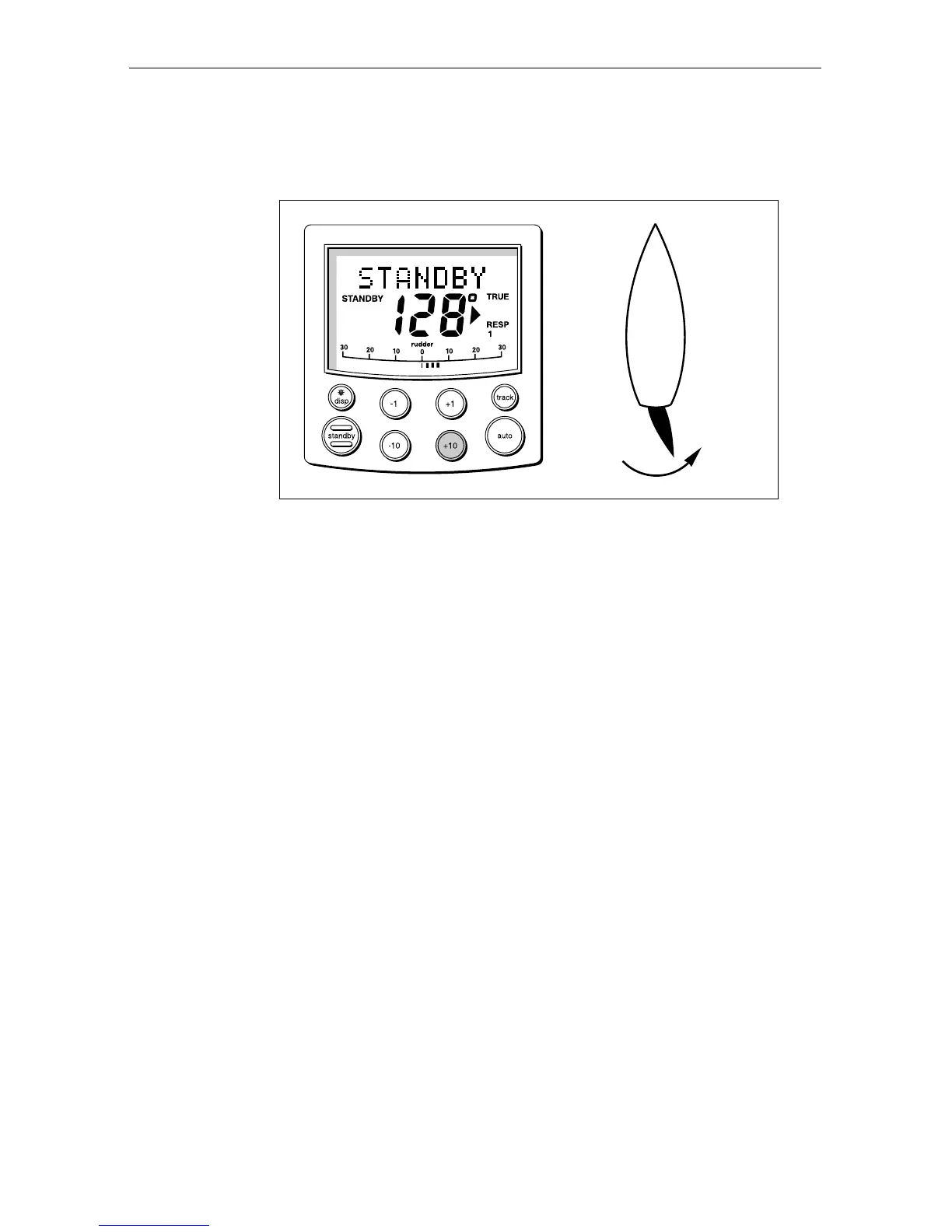
1. Press auto.
2. Press the +10 key. The helm should move to produce a turn to
starboard.
D3393-1
3. If the helm produces a turn to port, reverse the motor connections
at the course computer.
4. If the helm overshoots and has to drive back or starts to hunt back
and forth, you need to increase the Rudder Damping option in
Dealer Setup (see Chapter 5).
Navigation interface (GPS, Decca, Loran)
If the ST6000 Plus is interfaced to a navigator, via its NMEA data port,
the interface can be checked by displaying the default Data Pages.
These are XTE, BTW, and DTW.
Press disp to display the first page, and check that the expected data is
displayed. Press disp again to check each successive page.
If dashes are displayed instead of data values, the cause could be one or
more of the following:
A cabling error. Check for an open circuit, short circuit or reversed
wires.
The navigator is not configured to transmit the required data format.
The signals being received by the navigator are too weak for reliable
navigation. Refer to the navigator handbook for further action.


 To Next Page