64 ST6000 Plus Autopilot Control Unit Owner,s Handbook
4. Press the +1 or -1 key to change the setting from OFF to YES. The
Turn Boat page is then displayed.
D3451-1
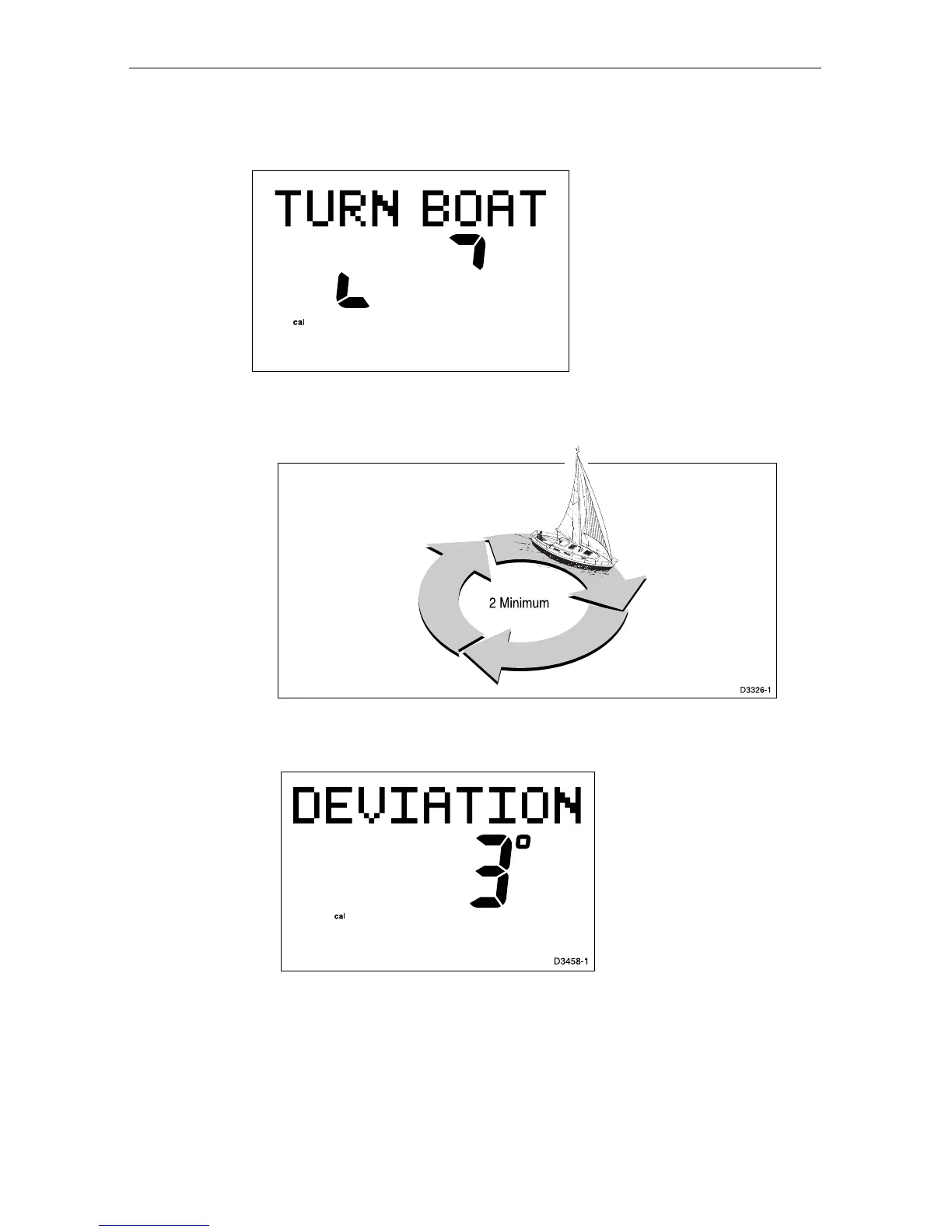
5. Keeping the boat speed below 2 knots, turn the vessel in slow
circles. It should take at least 3 minutes to complete 360°.
6. Keep turning your boat until the unit beeps and the Deviation
screen is displayed.
This shows the maximum deviation detected, and indicates that
compass correction has been completed successfully.
Note: If the deviation value exceeds 15°, you should consider moving
the fluxgate compass to a better location.
7. Press the disp key to move on to the Heading Alignment page.


 To Next Page