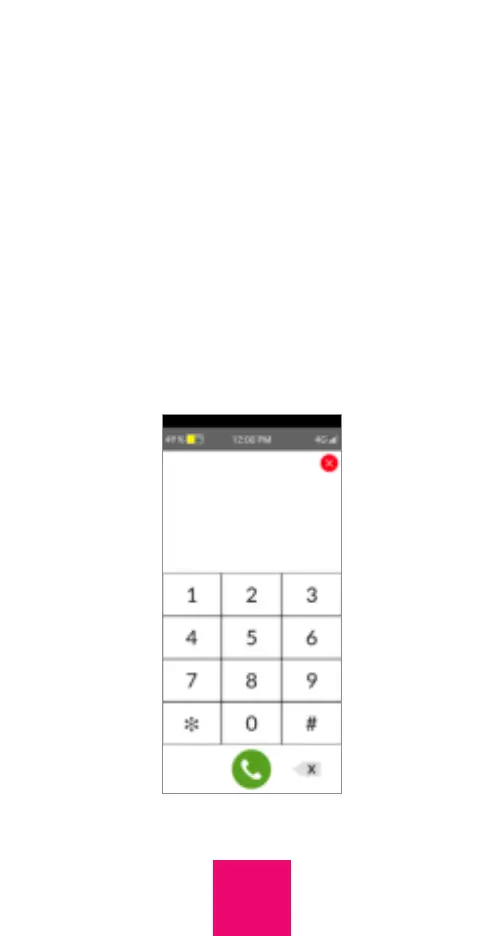
Show dial pad
If this option is selected in the Settings of
the Caregiver app or online portal an icon of
a dial pad will appear on the screen of the
RAZ Memory Cell Phone. When the icon is
tapped, a dial pad will appear, and calls can
be placed by typing numbers with the dial
pad. To activate this feature in the app, turn
on the toggle next to “Show Dial Pad.” In the
online portal, go to Settings and similarly
turn on the toggle next to “Show Dial Pad.”
13



 To Next Page