• Place the SIM Card (nano-
SIM) properly on the tray.
The chip side of the SIM
card should be facing down.
• Carefully push the tray back
in. Never place the SIM card
into the phone by itself.
• Turn on the phone.
Charging and Turning
Your Phone On or O
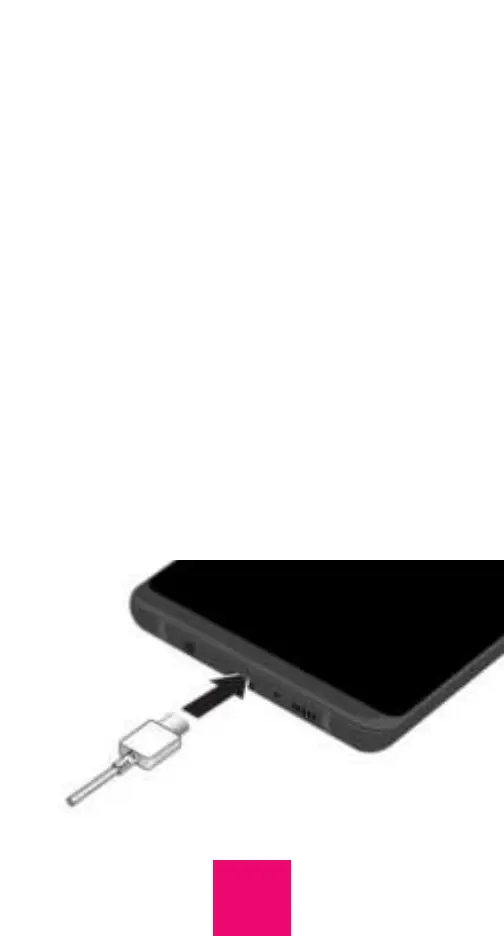
Before you start using your RAZ Memory
Cell Phone, make sure that the phone is fully
charged. To do this, insert the Micro-USB
cable into the charging port at the bottom
of the phone and insert the charger into an
outlet.
8



 To Next Page