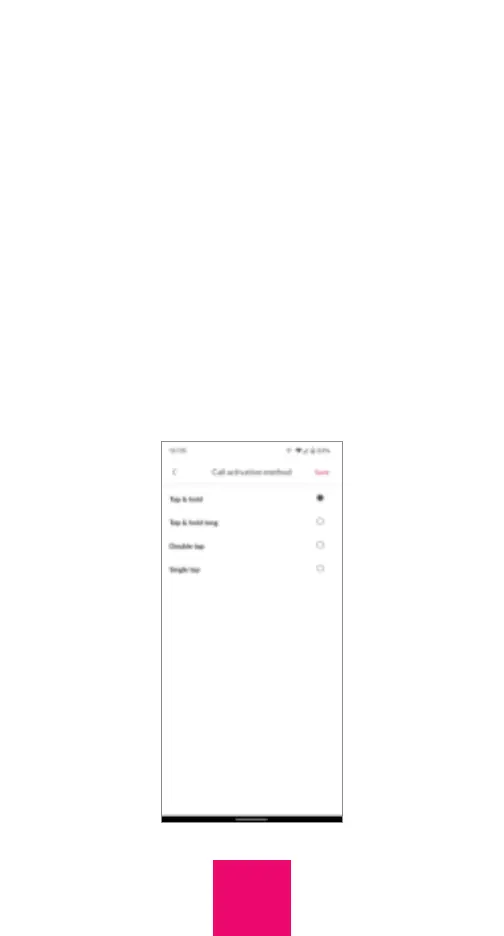
Call activation method
By default, calls are activated if you press
and hold a picture for approximately 1.5
seconds. If the user experiences difficulty
with this call activation method, it can be
modified. To do this, go to Settings in the
Caregiver app or online portal and select
“Call activation method”. Then select either
“Regular tap,” “Tap & hold” (the default), “Tap
and hold long,” or “Double tap”. If you select
“Tap and hold long” the user must tap and
hold for approximately 3 seconds to initiate
a call. Press “Save” after you make your
selection.
14



 To Next Page