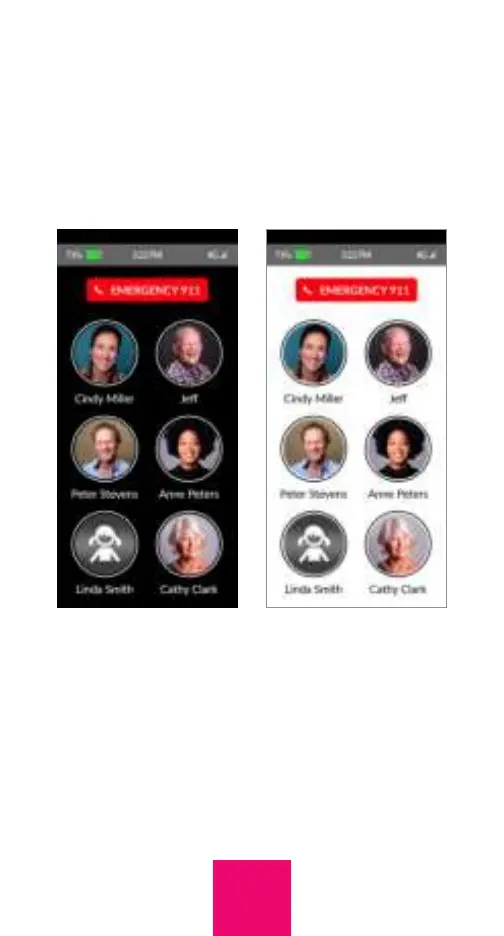
Background color
The background of the primary screen of
the phone can be set to either white or
back. In both the app and online portal, the
background can be adjusted within Settings.
Limiting incoming
calls to contacts
To limit incoming calls to individuals in the
user’s contacts, simply go to Settings within
the app or online portal and press the toggle
labeled “Limit incoming calls”. The toggle
25



 To Next Page