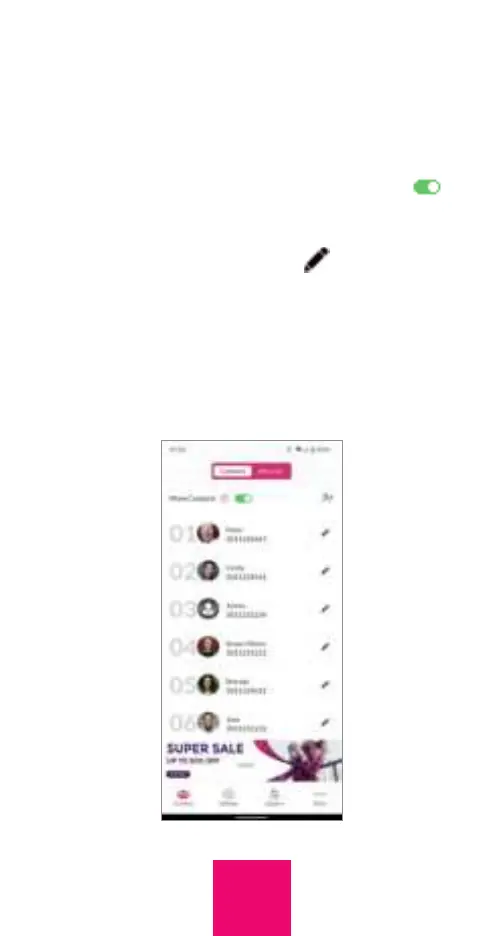
Managing contacts
You can add up to thirty (30) contacts in
the portal, although the default is up to six
(6). To expand the number of contacts from
six (6) to thirty (30), activate the toggle
.
To add a contact, tap the add contact
symbol. To delete, edit or change the order
of a contact, tap the symbol . You can edit
first name, last name, phone number and the
picture. To add a picture with the portal, tap
the Upload button. To change the position
of a contact with the app, insert the new
position in the first line of the Edit contact
field. To add a picture with the app, tap “Add
21



 To Next Page