Adjusting Your TV
Sound Settings: Speakers
Follow the steps below to turn the speakers on or off in your TV. The
chartbeJow explainsyour options.
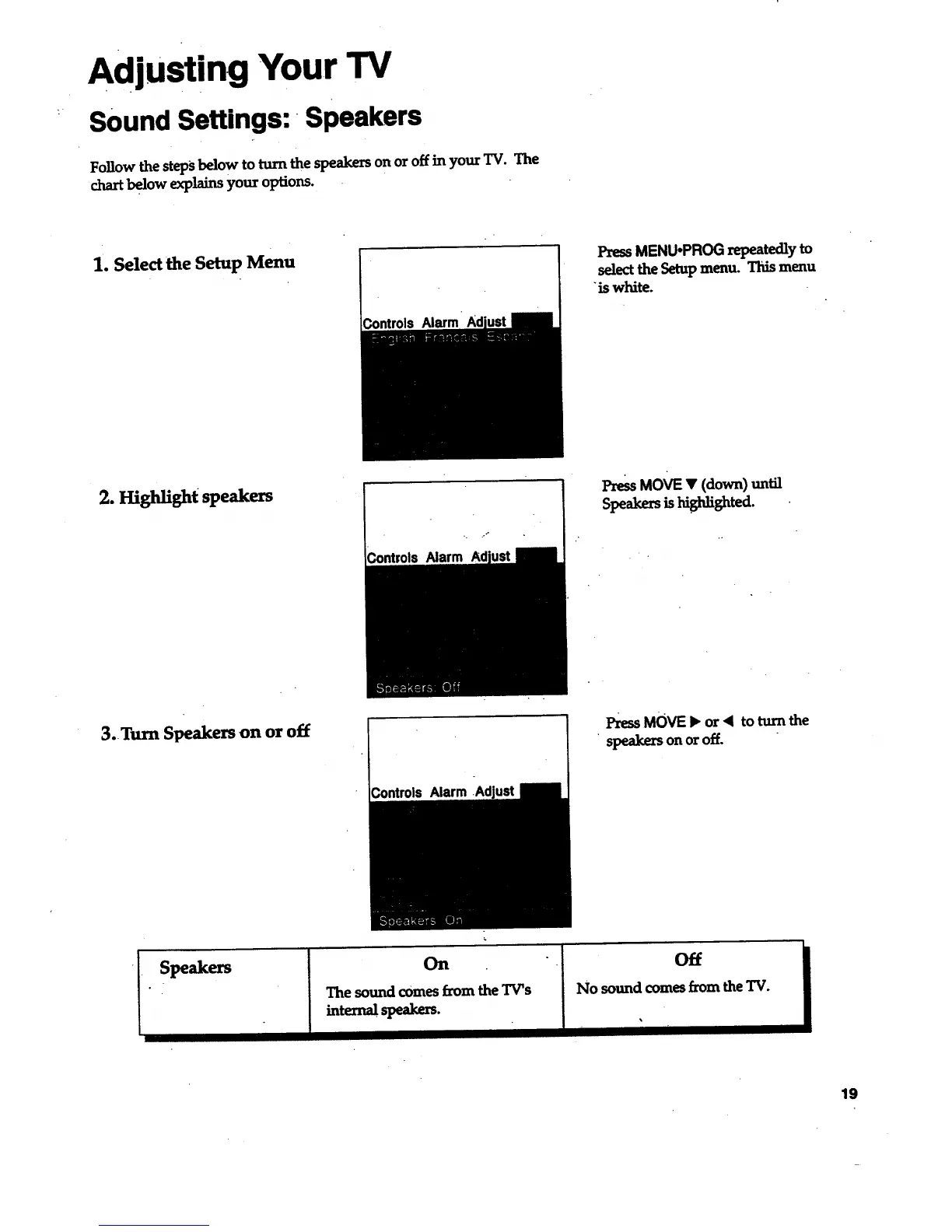
1. Select the Setup Menu
PressMENU,PROG repeatedly to
selectthe Setup menu. This menu
"iswhite.
2. Hi_aight speakers
Alarm
PressMOVE • (down) until
Speakers is highlighted.
3. Turn Speakers on or off
l_ MOVE• or< toturnthe
speakersonoroff.
On
The sound comes from the TV's
intematspeakers.
Off
No sound comes from the TV.
i
19



 To Next Page