Quick Guide to Your TV
Basic Tour of the Remote
Basic information about your remote is shown below. This will give you a
general idea of how your remote works. For more detazTs,see pages 6-15.
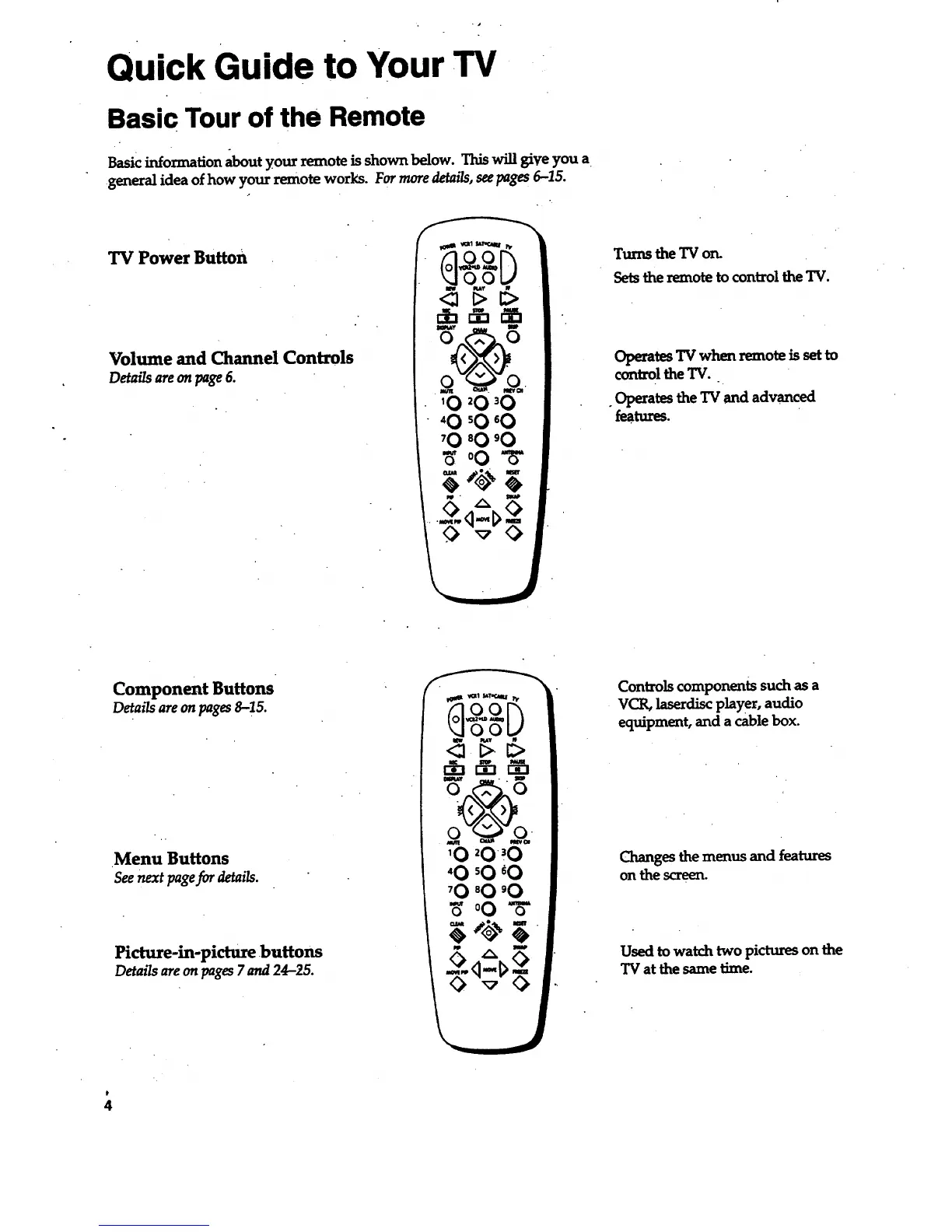
TV Power Button
Volume and Channel Controls
Detailsareonpage6.
Turns the TV on.
Sets the remote to control the TV.
Operates TV when remote is set to
control the TV.
. Operates the TV and advanced
fea.tures.
Component Buttons
Details are on pages8-15.
Menu Buttons
See next page for details.
Picture-in-picture buttons
Detailsare on pages7 and 24-25.
Controls components such as a
VCR, laserdiscplayer, audio
equipment, and a cable box.
Changes the menus and features
on the screen.
Used to watch two pictures on the
TV at the same time.



 To Next Page