References
Displays on the Screen
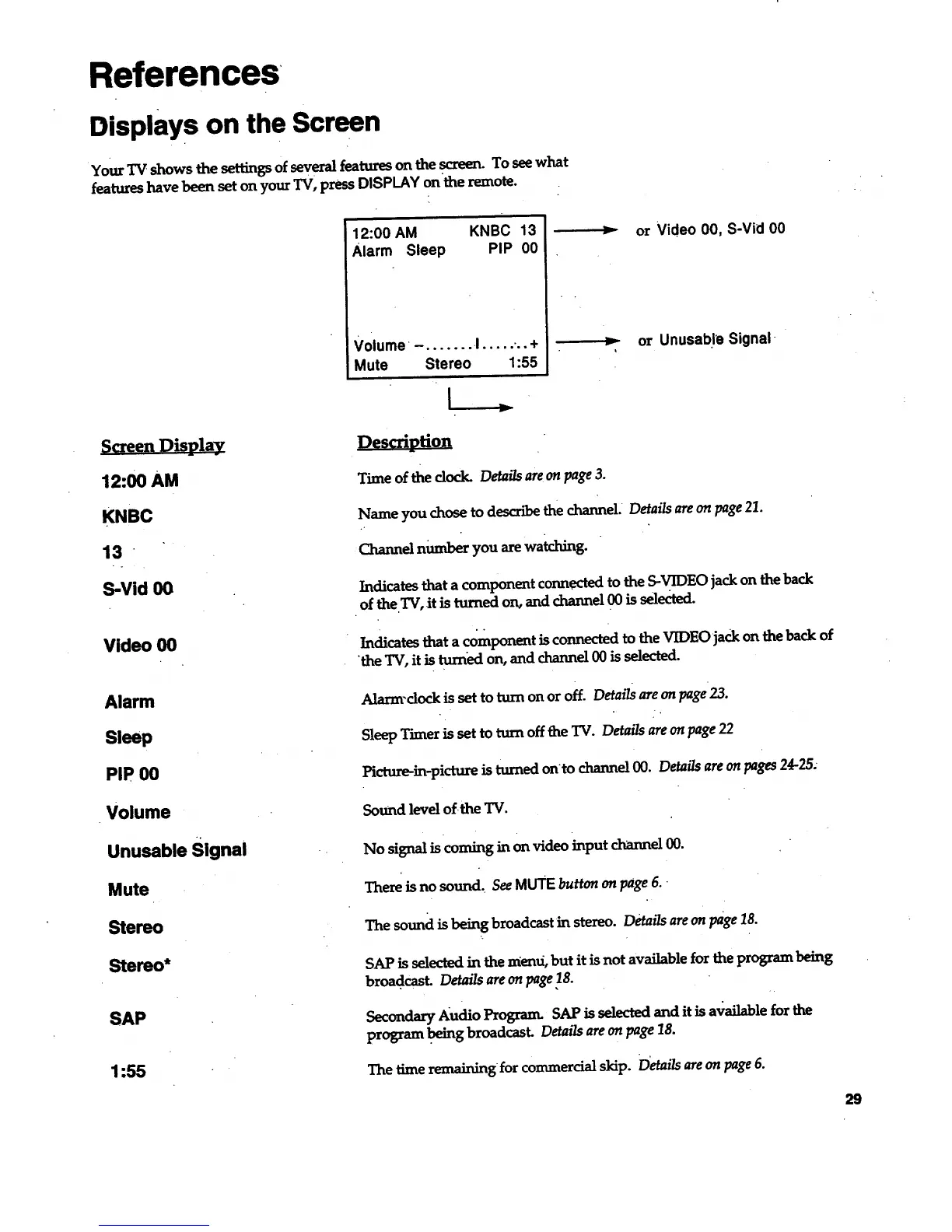
Your _ shows the ,settingsof several features on the screen. To see what
features have been set on your TV, press DISPLAY on the remote.
12:00 AM KNBC 13
Alarm Sleep PIP 00
Volume - ....... I ..... ... +
Mute Stereo 1:55
> or Video 00, S-Vid 00
> or Unusable Signal •
Screen Display
12:00 AM
KNBC
13
S-Vid O0
Description
Time of the dock. Details are on page 3.
Name you chose to descr_ the channel. Details are on page 21.
Channel number you are wa_ing.
Indicates that a component conn.ect_ to the S-VIDEO jack on the back
of the TV, it is turned on, and channel 00 is selected.
Video 00
Indicates that a component is connected to the VIDEOjack on the back of
'the TV, it is turned on, and channel 00 is selected.
Alarm
Sleep
Alarm-dock is set to turn on or off. Details are on page 23.
Sleep Timer is set to turn off the TV. Details are on page 22
PIP 00
Picture-in-picture is turned onto channel 00. Details are on pages 24-25.
Volume
Sound level of the TV.
Unusable Signal
No signaliscoming inon video input channel00.
Mute
There is no sound_ See MUTE button on page 6.
SAP
1:55
The sound is being broadcast in stereo. Details are on page 18.
SAP isselectedinthemend, but itisnotavailablefortheprogram being
broadcast. Details are on page/8.
Secondary Audio Program. SAP is selected and it is available for the
program .being broadcast. Detailsare on page 18.
The time remaining for commercial skip. D'etails are on page 6.
29



 To Next Page