Using Your TV-and. Remote , "
With a Cable Box: Setting the Cable Channel
The Cable Channel works with GABLE on the remote. If the Cable
Channel is set, pressing CABLE selects the channel to see cable channels.
The Cable ChaImel setting depends on which channel your cable box
must be on to see cable channels. The channels usually used are 02, 03,
04, 05 or 06. Consult your cable company for more information.
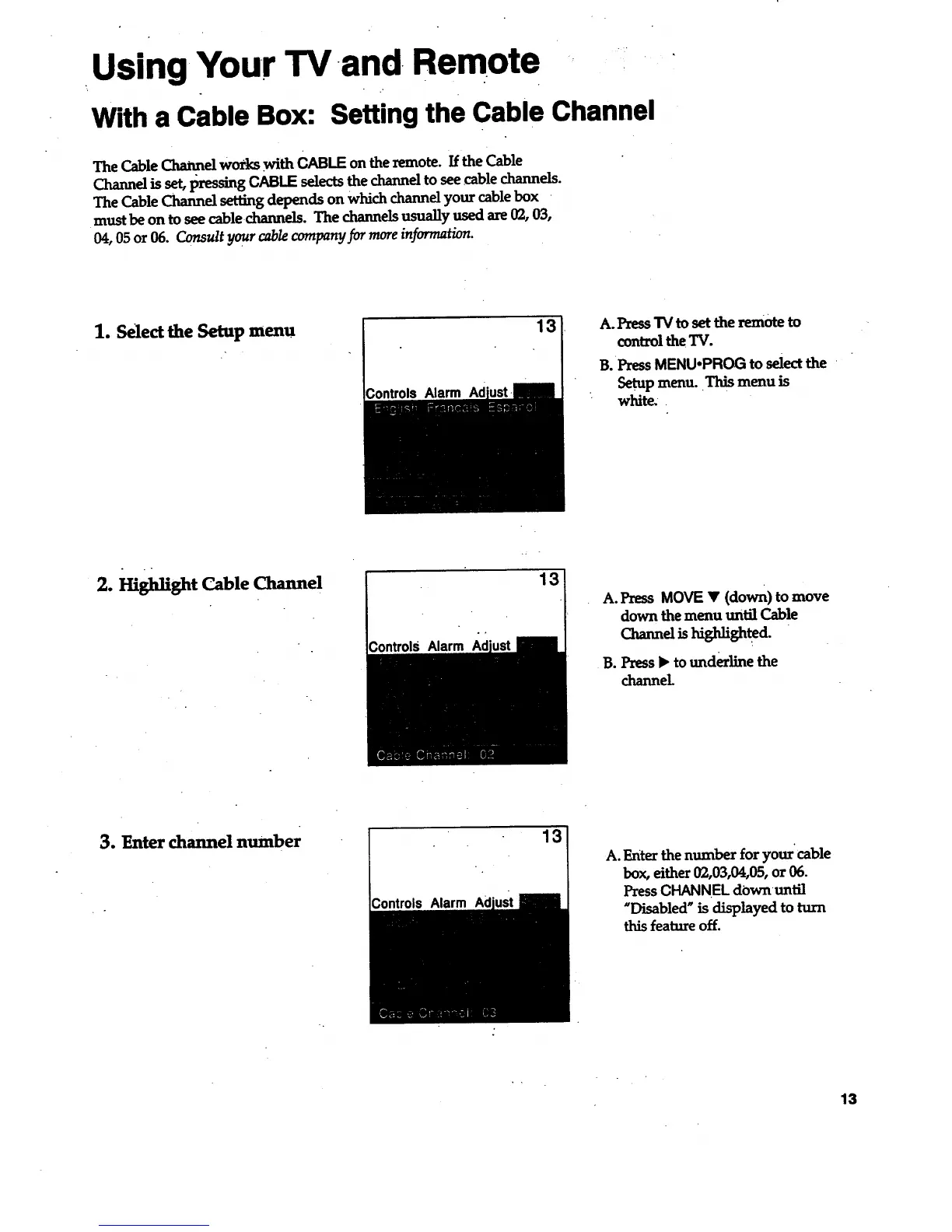
1. Select the Setup menu
13
Alarm
A. Press TV to set the remote to
control the TV.
B. Press MENU.PROG to selectthe
Setup menu. This menu is
white..
2. Highlight Cable Channel
Controls Alarm
13
A. Press MOVE • (down) to move
down the menu until Cable
Charme_Uh_sh_ghted.
B. Press _ to underline the
channel
3. Enter channel number
Controls Alarm Ad
13
A. Enter the number for your cable
box, either 02,03,04,05, or 06.
Press CHANNEL downuntil
"Disabled _ is displayed to turn
this feature off.
13



 To Next Page