Quick Guide to Your TV
Menu Basics
General information about using the on-screen menu system is shown
below. Details on using the remote buttons are on pages 6- 7. Many menu items
are explained in detail in Using the Advanced Features starting onpage 20.
Colors
Wh_e
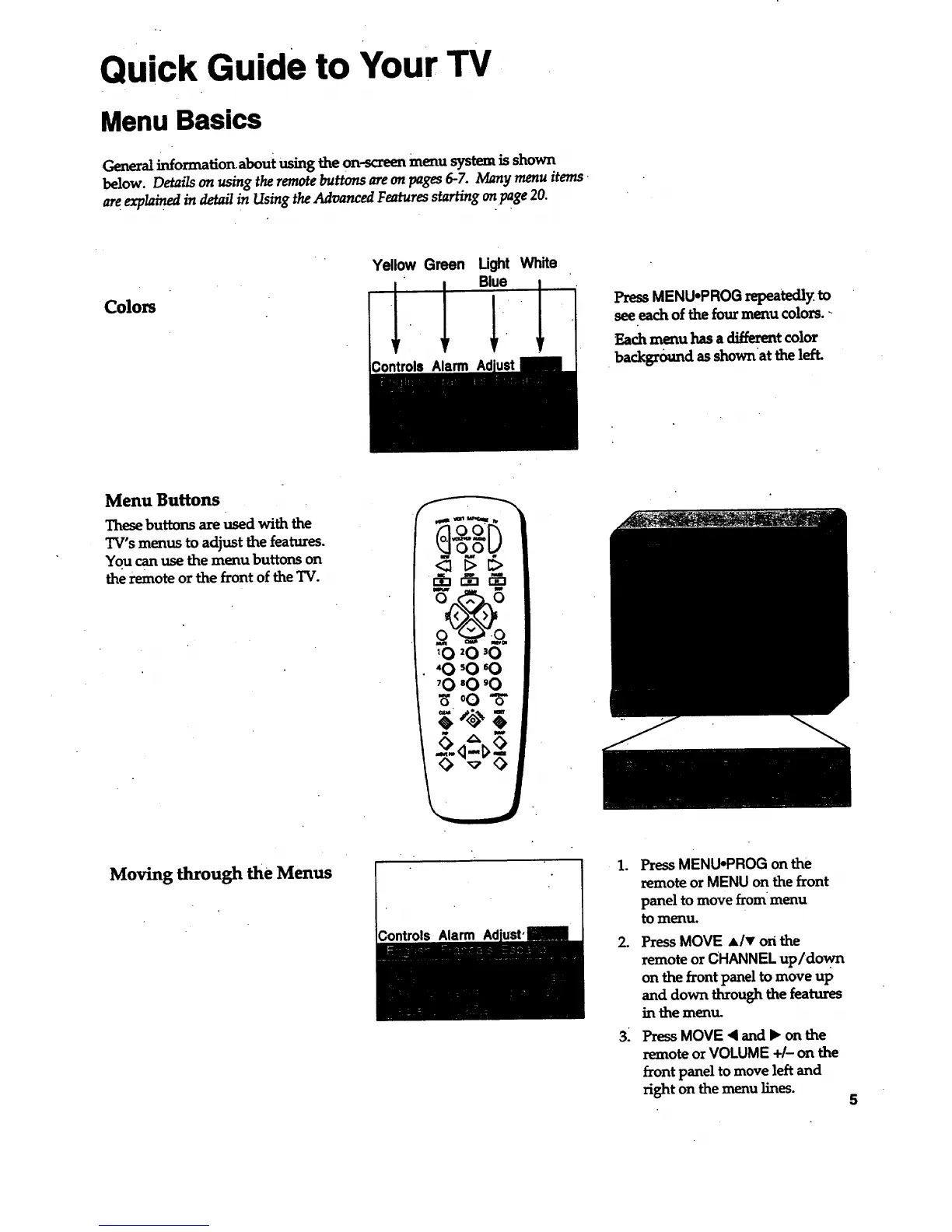
PressMENU,PROGrepeatedly to
seeeachofthefourmenu colors.-
Each menu has a _t color
•backgro_md as shownat the left.
Menu Buttons
These buttons are used with the
TV's menus to adjust the features.
You canuse themenu buttonson
theremoteorthefrontoftheTV.
Moving through theMenus
Controls Alarm
.
2.
3:
PressMENU-PROG on the
remote or MENU on the front
panel to move from menu
to menu.
PressMOVE Alv on the
remoteor CHANNEL up/down
on thefrontpaneltomove up
and down throughthefeatures
in the menu.
Press MOVE < and l_ on the
remote or VOLUME +/- on the
front panel to move left and
right on themenu lines.
5



 To Next Page