SPEED Selects a recording speed (SP or SLP).
STOP Stops the current VCR function such as record, playback,
rewind, or fast forward.
TRACKING Up or Down Lets you manually reduce the streaks
that may appear on the picture during play, slow, or pause.
Model VR519: Reduces picture “jitter” during stop-action
playback.
TV*VCR Switches the picture signal so that it either comes from
the VCR, TV, or cable antenna system.
PLAYING ATAPE
1. Tune the TV to your VCR viewing channel
(3,4, or TV’s video input).
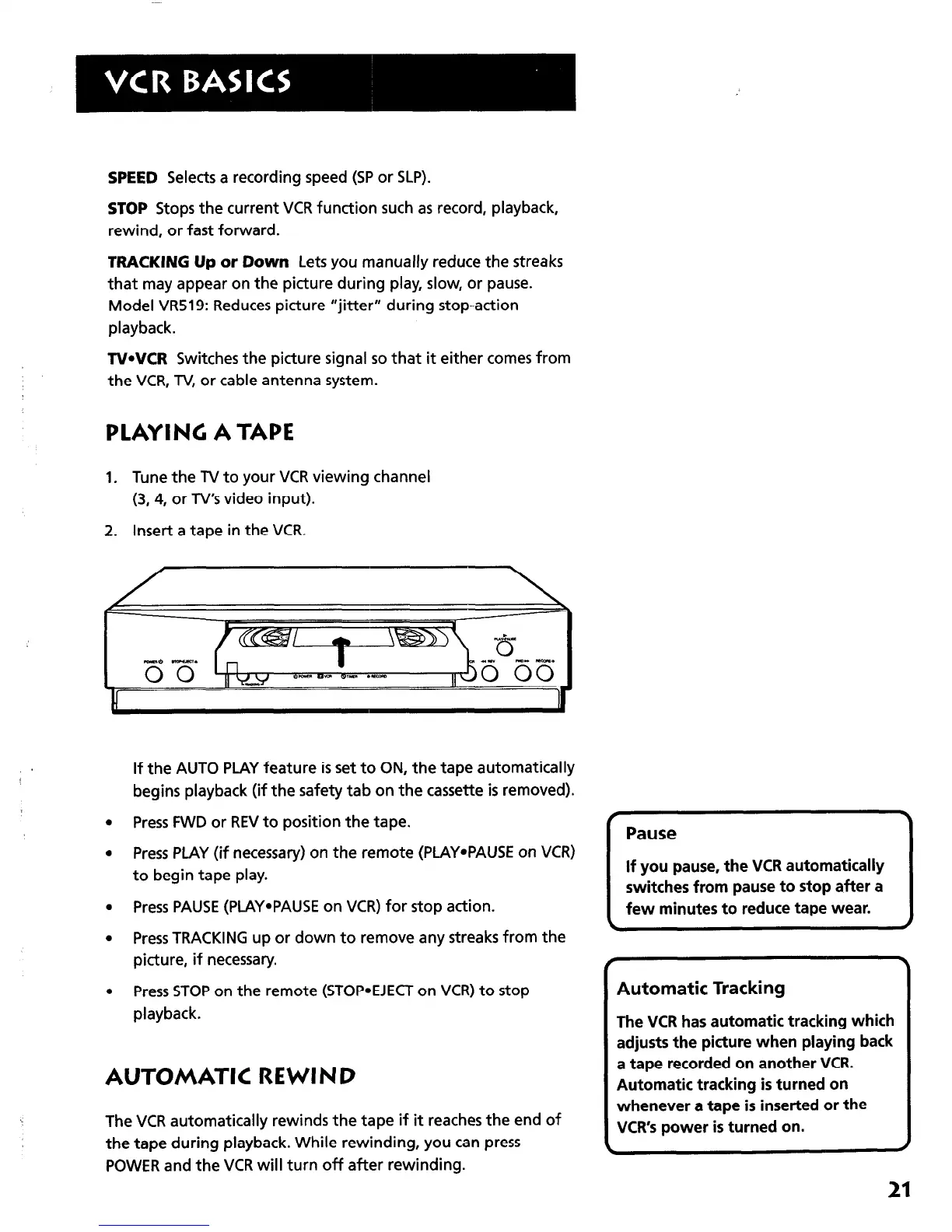
2. Insert a tape in the VCR.
If the AUTO PLAY feature is set to ON, the tape automatically
begins playback (if the safety tab on the cassette is removed).
l
Press FWD or REV to position the tape.
l
Press PLAY (if necessary) on the remote (PLAYePAUSE on VCR)
to begin tape play.
l
Press PAUSE (PLAY*PAUSE on VCR) for stop action.
l
Press TRACKING up or down to remove any streaks from the
picture, if necessary.
l
Press STOP on the remote (STOP*EJECT on VCR) to stop
playback.
AUTOMATIC REWIND
The VCR automatically rewinds the tape if it reaches the end of
the tape during playback. While rewinding, you can press
POWER and the VCR will turn off after rewinding.
f
\
Pause
If you pause, the VCR automatically
switches from pause to stop after a
few minutes to reduce tape wear.
\
/
f
Automatic Tracking
The VCR has automatic tracking which
adjusts the picture when playing back
a tape recorded on another VCR.
Automatic tracking is turned on
whenever a tape is inserted or the
VCR’s power is turned on.
\
J
21



 To Next Page