13
Using the Playback Features
Playing a Tape
Auto Play Feature
This feature lets you tell the VCR whether to automatically start playing
when you insert a tape with its safety tab removed.
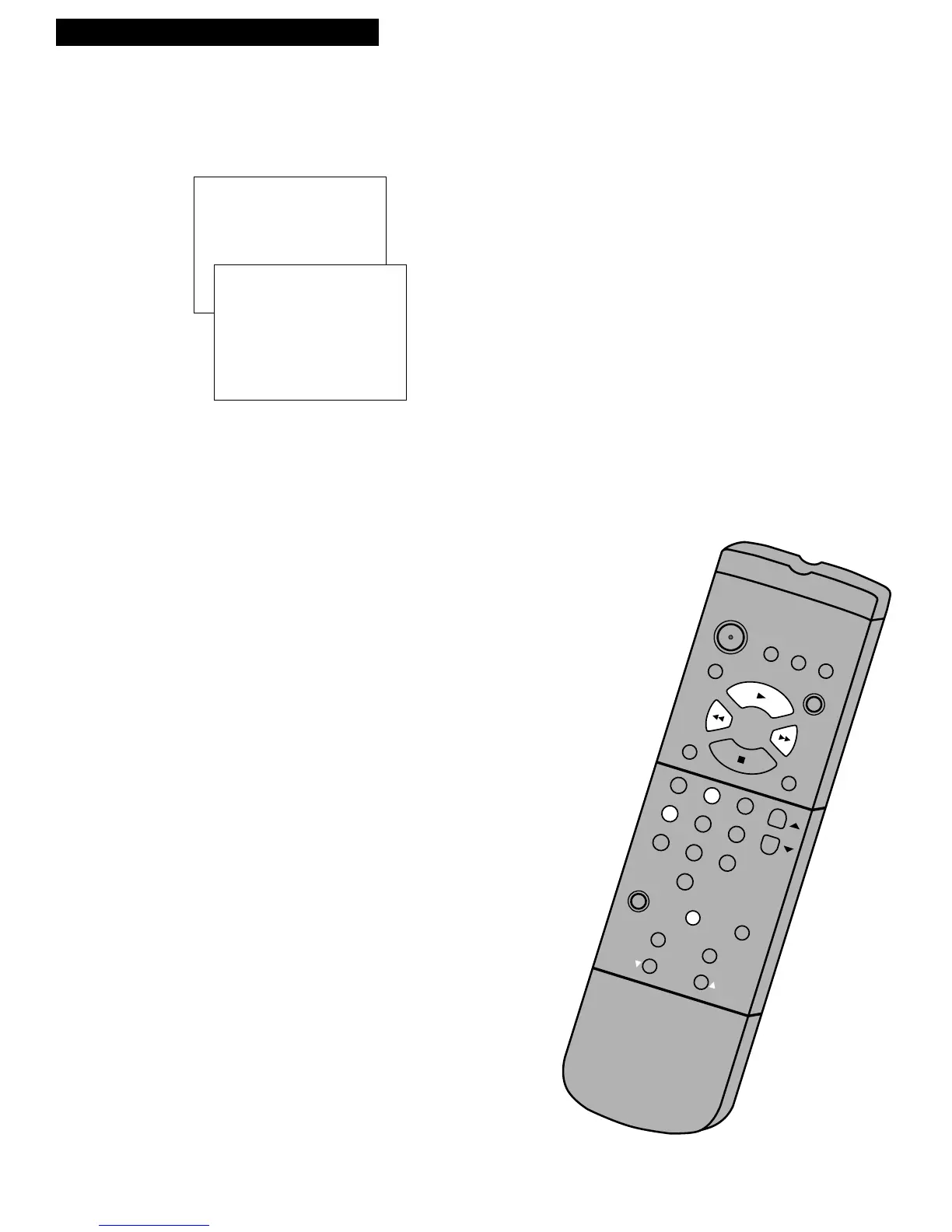
1. Press MENU on the remote to see the VCR MAIN MENU.
2. Press 4 to display the SETUP OPTIONS menu.
3. Press 2 to select AUTO PLAY: ON or OFF.
• Select ON if you want a tape with its safety tab removed to
start playing automatically.
• Select OFF if you do not want a tape with its safety tab
removed to start playing automatically.
Picture Search
You can search for a specific tape location during playback by fast
forwarding or rewinding the tape. Sound is turned off during picture
search. Picture search works best for tapes recorded in the SP or SLP speed.
No displays appear on the TV screen during search.
Fast Forward Search
1. Press FF to search forward at a faster-than-normal speed.
2. Press FF or PLAY to return to playback.
Rewind Search
1. Press REW to search backward at a faster-than-normal speed.
2. Press REW or PLAY to return to playback.



 To Next Page