18
Recording a Program
Express Recording
Express recording lets you record up to four hours without using the timer program
feature. The VCR turns off automatically at the end of the recording.
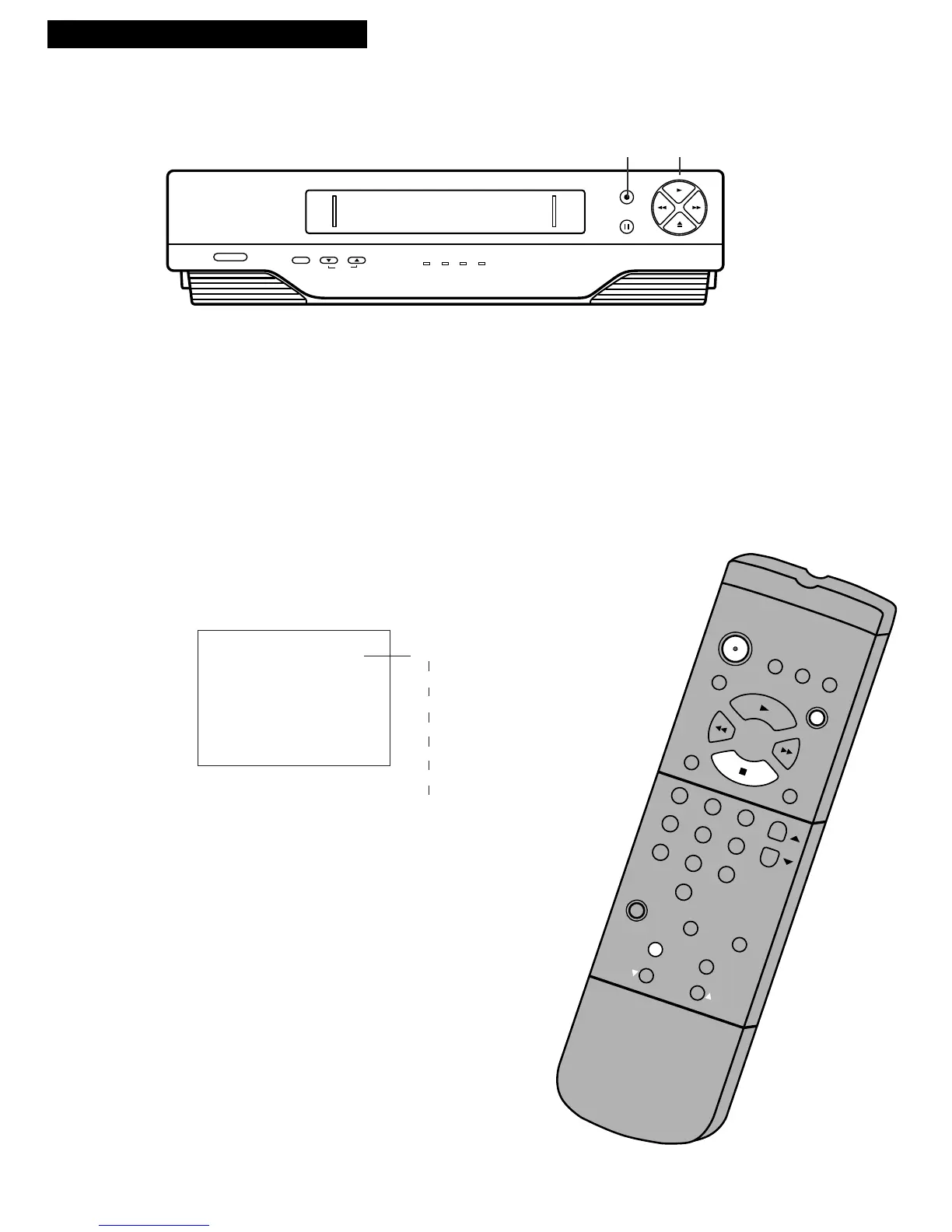
Operating Instructions
1. Turn on the VCR.
2. Insert a tape with its safety tab in place.
3. Select the channel you want to record.
4. Use SPEED on the remote to select a recording
speed.
5. Press RECORD and PLAY at the same time on the
VCR or REC on the remote to activate express
recording.
6. Press RECORD or REC repeatedly until the amount
of recording time for the program is displayed on
the TV screen.
Each press of RECORD or REC increases the time
— 30 minutes up to 4 hours.
RECORD
PLAY
RECORD LENGTH 0:00
CH 04
Express Recording Display
on TV Screen
Press Recording
RECORD Time
0:30 (30 Min)
1:00 (1 Hr)
1:30 (1 Hr, 30 Min)
2:00 (2 Hrs)
3:00 (3 Hrs)
4:00 (4 Hrs)
0:00 (Turns Off)
The RECORD and TIMER indicators appear
in the VCR’s display panel.
During recording press RECORD and PLAY
at the same time on the VCR or REC on the
remote to display time remaining on the TV
screen. Press RECORD or REC again to
increase recording time.
Stopping an Express Recording in Progress
With the VCR: Press POWER then
STOP•EJECT.
With the Remote: Press POWER then STOP.



 To Next Page