14
Using the Playback Features
DISPLAY Button
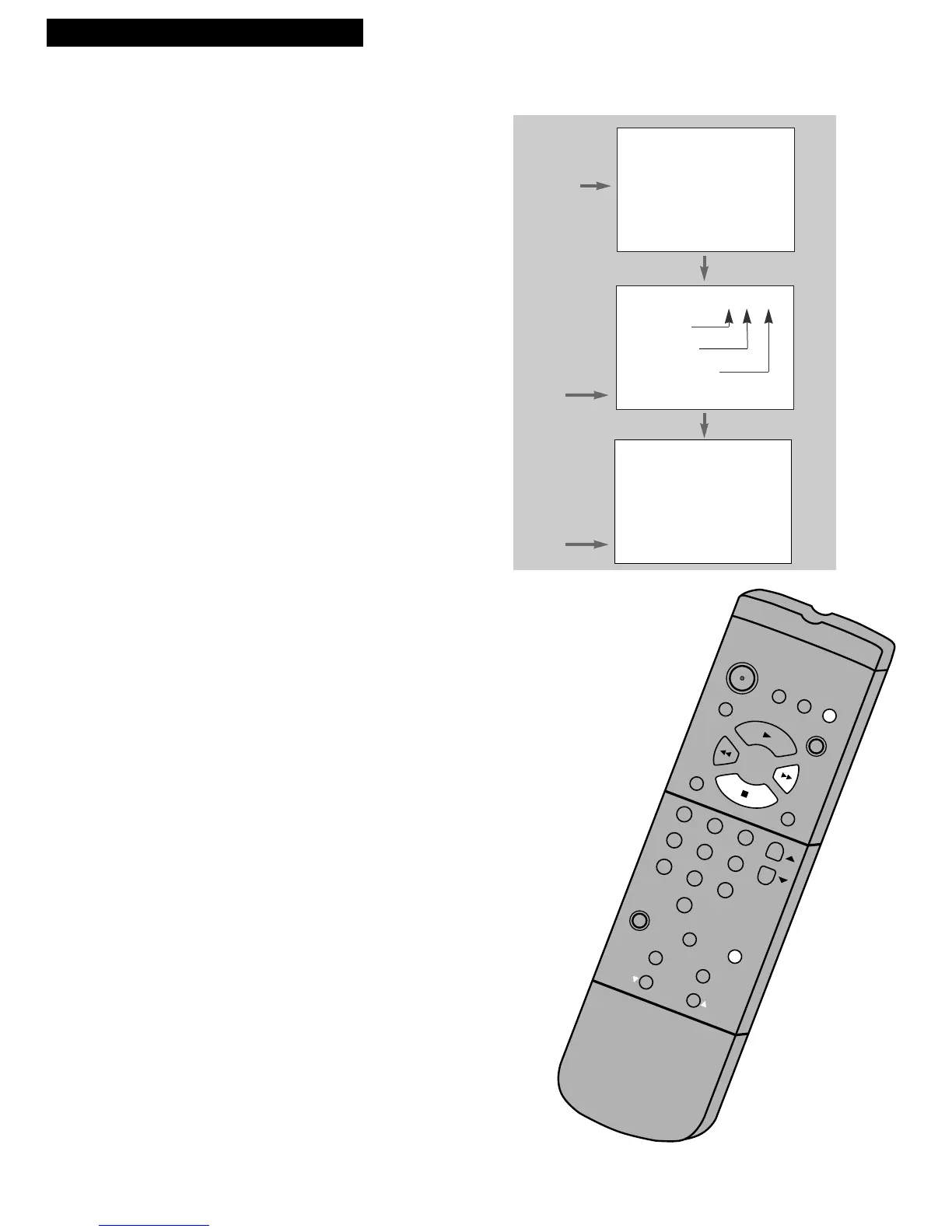
1. Press DISPLAY to display the status of the VCR,
channel number, time counter, date, time, and tape
speed on the TV screen.
You must set the time and date before they can be
displayed. If you do not press DISPLAY again, this
display times out.
2. Press DISPLAY again to continually display the time
counter on the TV screen.
3. Press DISPLAY again to return to status displays.
The displays time out automatically. Turning off the
VCR automatically returns the displays to normal.
Time Counter
The time counter shows the actual time it takes to record a program
or play back a segment of a prerecorded tape. It helps locate the
beginning or end of programs you taped. The time counter resets to
0:00:00 when the tape is ejected from the VCR.
For example, if you recorded a 30-minute program at the beginning
of the tape, you would:
1. Insert the prerecorded tape.
2. Press DISPLAY twice to display only the time counter
on the TV screen.
3. Press FF to fast forward the tape until 0:30:00 appears in
the time counter. Press STOP.
This is the end of the program. You can begin recording
a new program.
4. Press CLEAR to reset the time counter to 0:00:00.
5. Press DISPLAY to return to normal status displays.
These displays time out automatically.
The time counter is removed from the TV screen during
picture search.



 To Next Page