20
Recording a Program
Recording While You’re Away (Timer Recording)
The timer program feature lets you program the VCR to record up to eight different programs
within a one year period. Before setting the timer, make sure that:
• The clock is set correctly.
• A tape with safety tab has been inserted with enough tape to record the programs.
• If you receive all channels from a cable box, make sure you have completed CABLE
BOX SETUP. See page 19.
Setting a Timer Recording
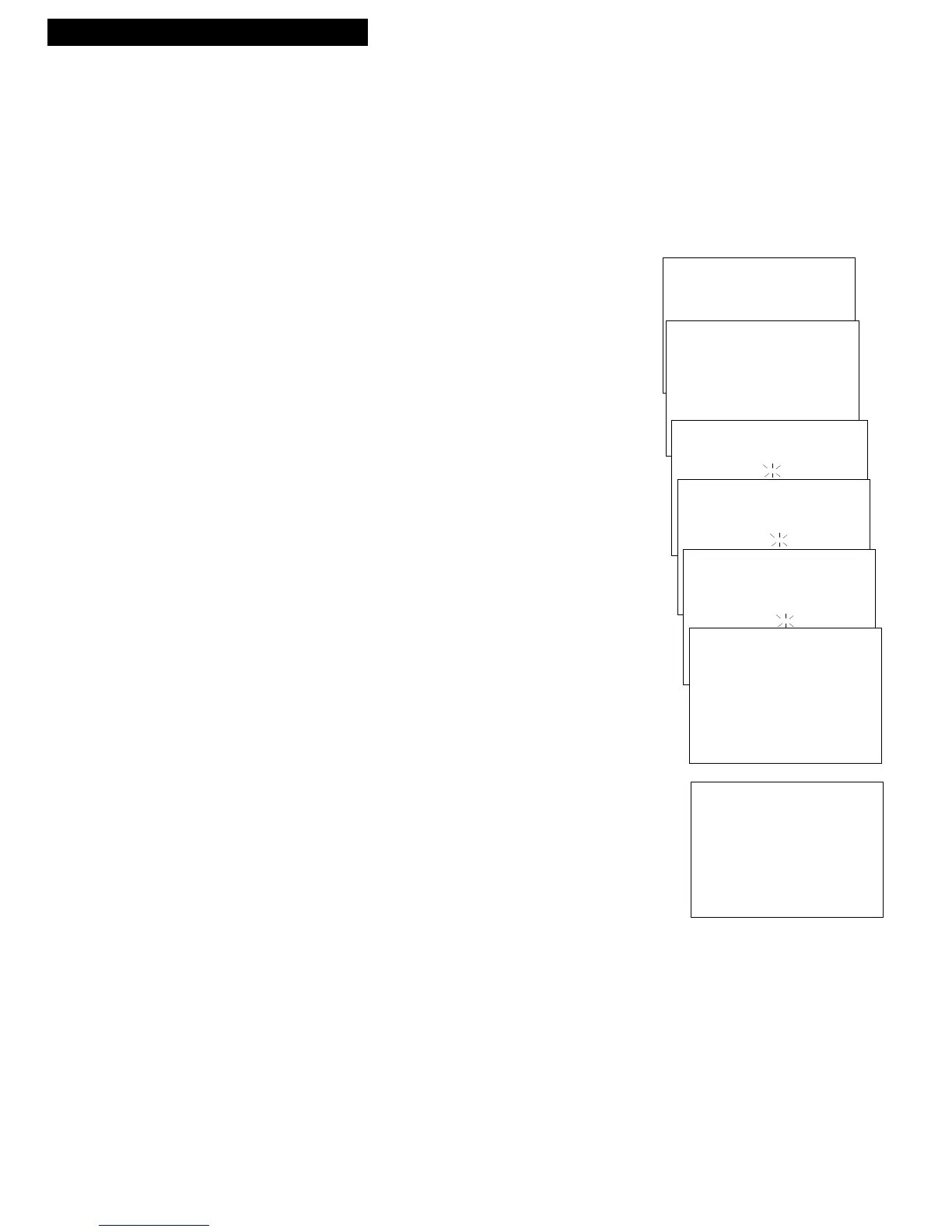
1. Press MENU on the remote to display the VCR MAIN MENU.
2. Press 1 to display the TIMER PROGRAMMING menu.
3. Press 1, 2, 3, or 4 to select type of program.
1 ONE TIME — single program recorded once.
2 DAILY — program recorded at same time every day.
3 WEEKDAYS — program recorded at same
time Monday through Friday.
4 WEEKLY — program recorded at same time
once a week.
4. Press the number buttons on the remote to enter the channel
number (or INPUT on the remote to select line input), start
time including AM or PM, end time, and start date of the
recording. Follow the on-screen prompts.
Press CLEAR on the remote to correct an entry.
If you receive all channels from a cable box and have
completed CABLE BOX SETUP, the output channel of your
cable box and CABLE automatically appears on the menu.
See page 19.
5. Use SPEED on the remote to select a recording speed.
6. Press MENU to enter your program. A reminder appears. You
can wait for the message to time out, or you can press MENU
to return to VCR MAIN MENU.
7. Repeat steps 2 – 6 for additional programs or press
MENU to remove the menu from the TV screen.
8. If using a cable box, leave it turned on and tuned to the
channel you want to record. Otherwise
, turn off the VCR
before the recording begins.
The TIMER indicator appears in the VCR display panel.
VCR MAIN MENU
1 TIMER PROGRAMMING
HOW OFTEN SHOULD THIS
PROGRAM RECORD?
1 ONE TIME
2 DAILY (EVERY DAY)
3 WEEKDAYS (MON - FRI)
4 WEEKLY (ONCE/WEEK)
PROGRAM 1 - ONE TIME
CHANNEL -- CABLE
PROGRAM 1 - ONE TIME
CHANNEL 08 CABLE
START TIME --:--
PROGRAM 1 - ONE TIME
CHANNEL 08 CABLE
START TIME 02:10 PM
END TIME --:--
PROGRAM 1 - ONE TIME
CHANNEL 08 CABLE
START TIME 02:10 PM
END TIME 03:35 PM
START DATE 11/17/95 FRI
TAPE SPEED SLP
PRESS CLEAR TO CORRECT
PRESS MENU TO SAVE
PROGRAM 1
HAS BEEN SAVED



 To Next Page