15
Using the Playback Features
Zero Search
The zero search feature lets you quickly return to a counter reading of
0:00:00 anywhere on a tape. This is especially convenient when you
want to watch a segment of a tape several times.
1. Insert the prerecorded tape.
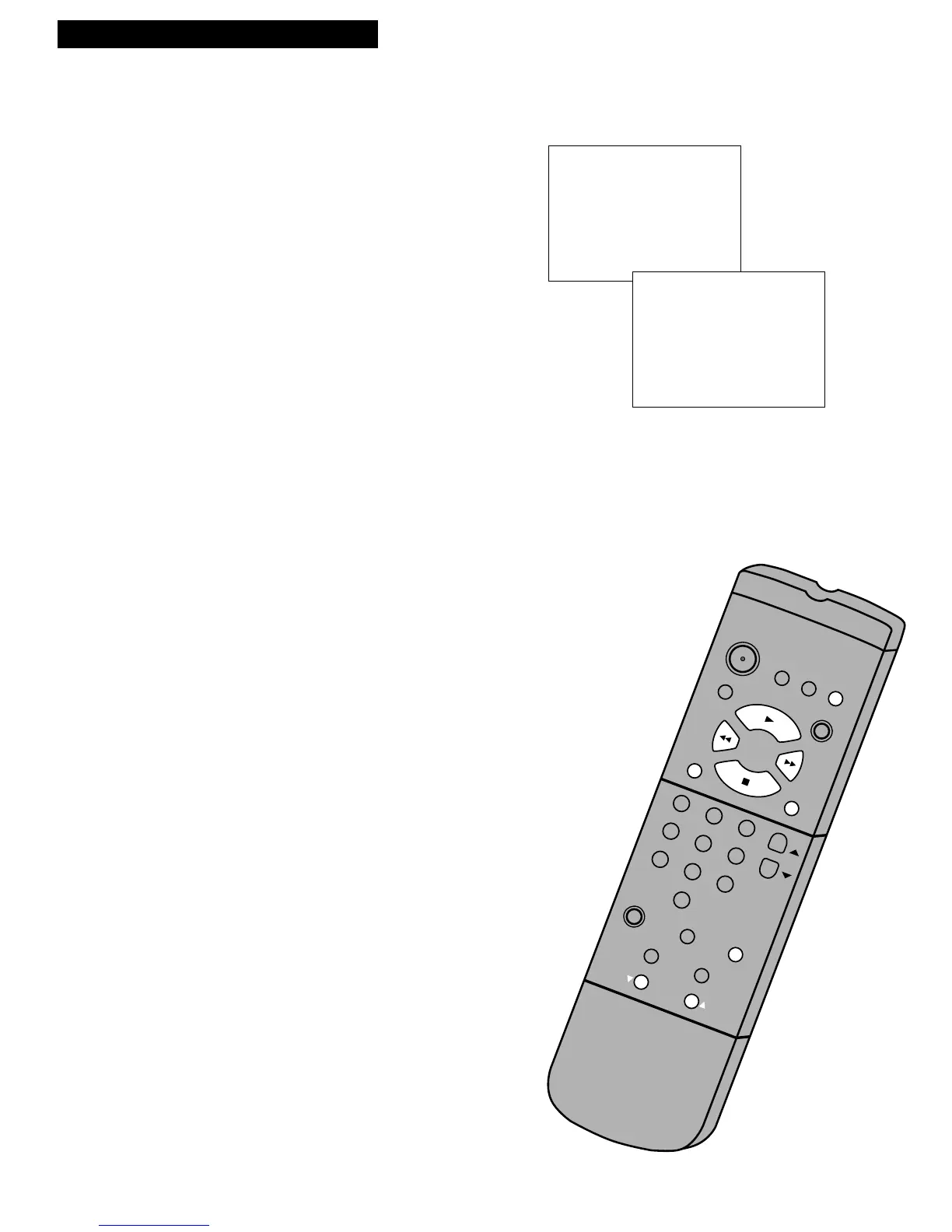
2. Press DISPLAY twice to display only the time counter on the
TV screen.
3. Use PLAY, FF, or REW to locate the place on the tape where
you want to return quickly.
4. Press CLEAR to reset the time counter to 0:00:00.
5. Continue playing the tape.
6. Press STOP.
7. Press SEARCH in the stop mode to display the ZERO
SEARCH menu on the TV screen. The current time counter
appears.
8. Press REW or FF to return to 0:00:00. The time counter
remains in the upper right corner of the TV screen during
search.
Commercial Scan (SEARCH Button)
This is useful for scanning commercials or short program segments.
1. Press SEARCH once during playback to advance
the tape approximately 60 seconds.
Slow Motion
You can view a tape in slow motion during play or play pause. Sound is
turned off during slow-motion playback. Slow motion works best in the
SP or SLP speed.
1. Press SLOW to begin slow-motion playback.
2. Use TRACKING up or down on the remote or the VCR to
adjust for the best possible picture.
3. Press SLOW or PLAY to return to playback.
The VCR automatically switches from slow-motion playback
to stop after a few minutes.
Playing a Tape



 To Next Page