Step 5. Open the Notepad or Word in the Host, put the cursor on the
blank, read labels for testing. When scanner decodes successfully, the
scanner will beeps once and vibrates once.
( The beeper and vibration indication can be turned off. See Decoding
Volume Setting on page 18 and Vibrate setting on page 19)
Note
:After pairing to the Host, the keyboard in the Host will not
appear automatically.
For iOS keyboard:
Method 1:
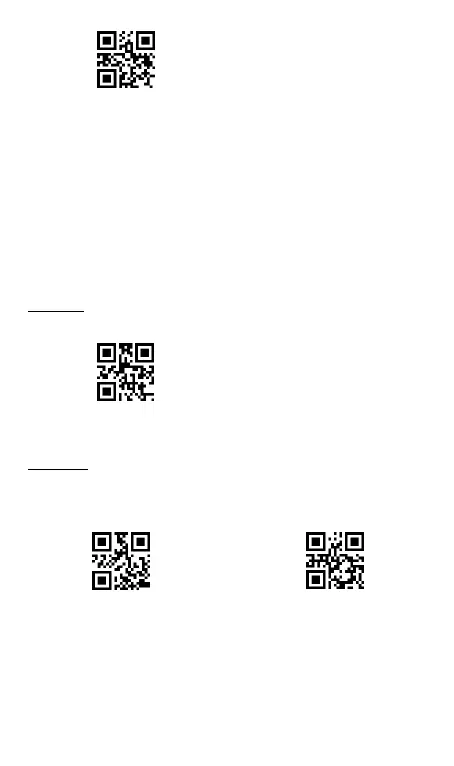
To show or hide the iOS keyboard , please scan below
“Show/Hide iOS keyboard”
Method 2:
Double click Button 2 twice quickly to show or hide the
iOS keyboard. This button function is able to turn off if users do not
need it.
** To show the Android keyboard on in the Host, it needs to install
Double Click
Show/Hide iOS keyboard-On *
Double Click
Show/Hide iOS keyboard-Off



 To Next Page