the “CILICO Bluetooth barcode input method” APP. Please contact
us (server@realinn.cn) for the app and tutorial.
Note 3
: When uploading the barcode to the host, if some characters
of the barcode are missing, please try to slow down the transmission
speed.
1.2 2.4GHz Wireless Pairing
The scanner is already paired with the provided mini USB receiver in
factory. Plug and play. If the scanner does not connect to host as
expected, please connect the scanner to the host follow below steps.
To connect to a computer :
Step 1. Press the Button 2 to wake up the barcode scanner. Scanner
beeps at a series of high frequency tones.
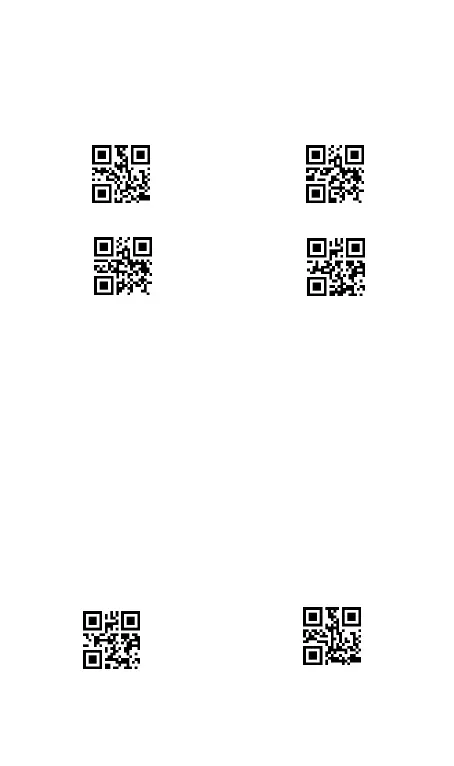
Step 2. Scan below”2.4GHz Wireless Mode “ and “ Pairing “ in
order. The 2.4GHz wireless indicator blinks quickly indicating that the
scanner is ready to connect to the host.



 To Next Page