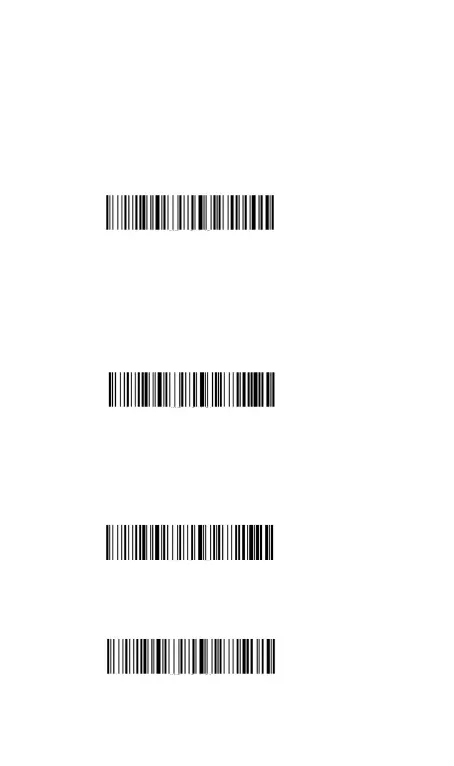
11. Time Stamp
Please correct the time displayed first , see Screen Time Setting on
page 3.
11.1 Show Current Time
**Scan the setting code”Show Current Time “ , the time stamp
will be uploaded where the cursor is. Shown as “20XX/XX/XX
00:00:00”.
11.2 Add Time Stamp Before/After Barcode
**After scanning the setting code “Add Time Stamp Before
Barcode”, the time stamp will show before barcode when scan
labels. Shown as”20XX/XX/XX 00:00:00 123456789”.
Add Time Stamp Before Barcode
**After scanning the setting code “Add Time Stamp After
Barcode”, the time stamp will show after barcode when scan
labels. Shown as” 123456789 20XX/X/X 00:00:00”.
Add Time Stamp After Barcode
**Scan “Time Stamp Cancel”to cancel time stamp setting.



 To Next Page