5. Capital & Lowercase Switch
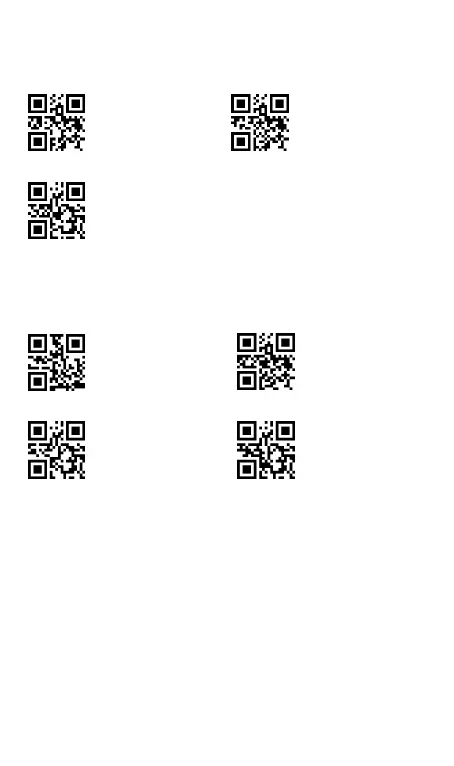
The scanner can change the letter case of barcode into uppercase
or lowercase.
Capital&Lowercase
Switched-disable
6. Decoding Volume Setting
Note
: Once scan the setting code “ Beep Off”,the decoding sound
and the shutdown sound turned off at the same time. The sound of
turn on scanner can not be turned off.



 To Next Page