7. Terminator Setting
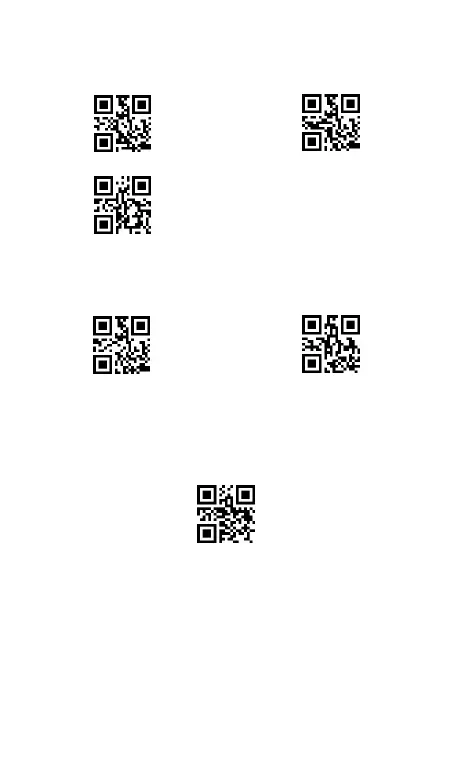
To add Tab after barcode , scan the code “Tab”
To add Enter after barcode , scan the code “Carriage Return ”
To set no-termination, scan the code “None”
8. Vibrate Setting
The scanner includes a motor that,when configured to be
enabled,can vibrate after a successful decode.
9. Resetting Standard Product Default
If you've changed some options, or read the wrong programming
labels and want the factory settings restored, scan below setting
code.
Note 1
: The scanner is in Bluetooth Pairing Mode by default. After
restoring the scanner, you need to reconnect the scanner to Host via
Bluetooth Pairing or 2.4GHz Wireless Pairing. ( See Bluetooth Pairing
on page 5 , 2.4GHz Wireless Pairing on page 7 ).
Note 2
: The Module Setting 1, 12, 13 can not controlled by the
“Restore default” code.



 To Next Page