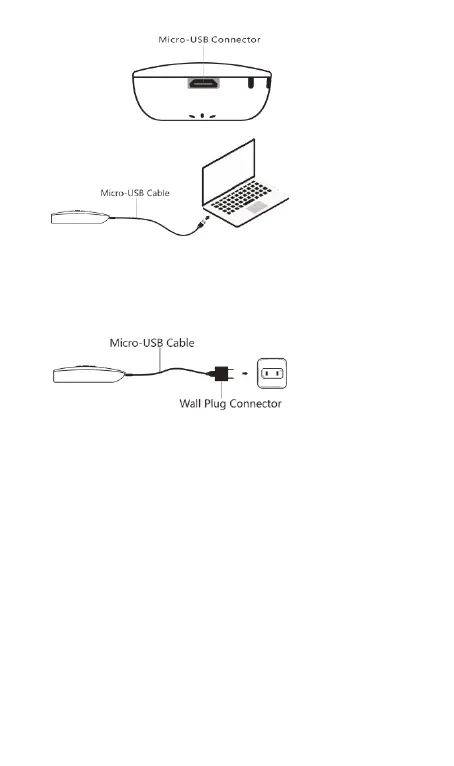
Option 2. Charging the scanner via a wall plug connector ( usually use
for charging smart phones ) and the provided micro-USB cable.
Note 1
:
The battery charging indication shown on the screen. While
charging ,the LED ( Charge indicator ) is blinking.
Note 2
:
When the scanner is turned off, there is no indication appears when
the scanner is charging.
To make sure the scanner is on charging, please turn it on.



 To Next Page