EasyManua.ls Logo

Realistic PRO-43 - Charging Nickel-Cadmium Batteries

Realistic PRO-43
36 pages
Print Icon
To Next Page IconTo Next Page
To Previous Page IconTo Previous Page
Loading...
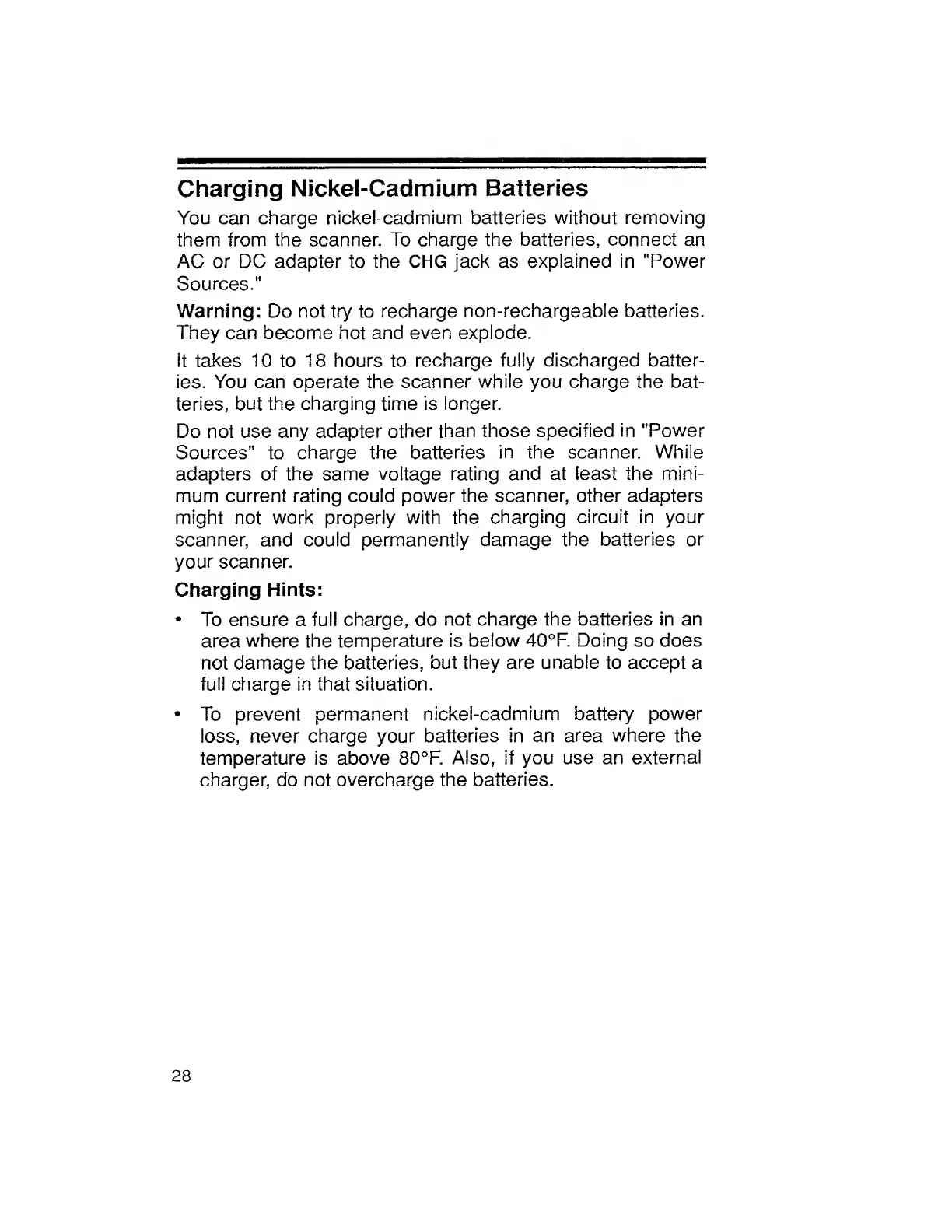
Charging
Nickel-Cadmium
Batteries
You
can
charge
nickel-cadmium
batteries
without
removing
them
from
the
scanner.
To
charge
the
batteries,
connect
an
AC
or
DC
adapter
to
the
CHG
jack
as
explained
in
"Power
Sources."
Warning:
Do
not
try
to
recharge
non-rechargeable
batteries.
They
can
become
hot
and
even
explode.
it
takes
10
to
18
hours
to
recharge
fully
discharged
batter¬
ies.
You
can
operate
the
scanner
while
you
charge
the
bat¬
teries,
but
the
charging
time
is
ionger.
Do
not
use
any
adapter
other
than
those
specified
in
"Power
Sources"
to
charge
the
batteries
in
the
scanner.
While
adapters
of
the
same
voltage
rating
and
at
least
the
mini¬
mum
current
rating
could
power
the
scanner,
other
adapters
might
not
work
properly
with
the
charging
circuit
in
your
scanner,
and
could
permanently
damage
the
batteries
or
your
scanner.
Charging
Hints:
To
ensure
a
full
charge,
do
not
charge
the
batteries
in
an
area
where
the
temperature
is
below
40°F.
Doing
so
does
not
damage
the
batteries,
but
they
are
unable
to
accept
a
full
charge
in
that
situation.
To
prevent
permanent
nickel-cadmium
battery
power
loss,
never
charge
your
batteries
in
an
area
where
the
temperature
is
above
80°F.
Also,
if
you
use
an
external
charger,
do
not
overcharge
the
batteries.
28

Related product manuals