REDMINI-MAG SIDE SSDMODULE LED
This section describes the LED for all of the RED MINI-MAG modules.
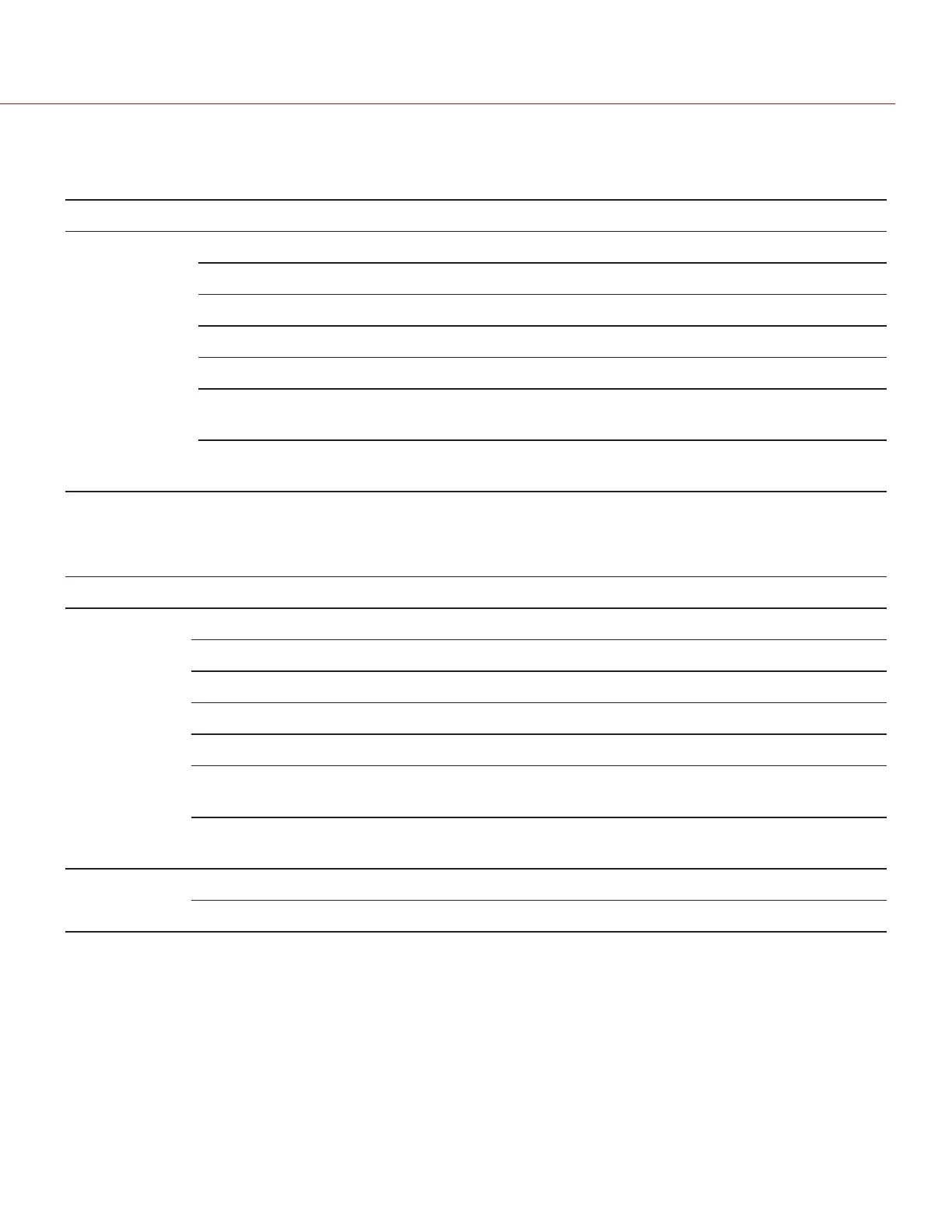
LED COLOR/FLASHING DESCRIPTION
Media Status
LED
Off No media present
Green Preview; media mouunted with > 10% of media space available
Amber Record finalizing or playback mode
Amber flashing (slow) Formatting media
Red Recording; media mounted with >10 % of media space available
Red flashing (slow) Preview/Recording; media mounted ≤ 10% and > 5% of media space
available
Red flashing (fast) Preview/Recording; media mounted with ≤ 5% of media space
available
DSMC2 MEDIA BAY LED
This section describes the LED on the media bay for all DSMC2
®
cameras.
LED COLOR/FLASHING DESCRIPTION
Media Status
LED (Back of
media bay)
Off No media present
Green Preview; media mounted with > 10% of media space available
Amber Record finalizing or playback mode
Amber flashing (slow) Formatting media
Red Recording; media mounted with >10 % of media space available
Red flashing (slow) Preview/Recording; media mounted ≤ 10% and > 5% of media space
available
Red flashing (fast) Preview/Recording; media mounted with ≤ 5% of media space
available
Record Status
LED
Off Not recording, or media not mounted
Red Recording
For more information, see the camera operation guides at www.red.com/downloads.
C O PYRIGHT © 2 017 R ED.C OM , LLC 955- 0047, REV- AH| 12
RED DSMC MEDIA OPERATION GUIDE


 To Next Page