5.
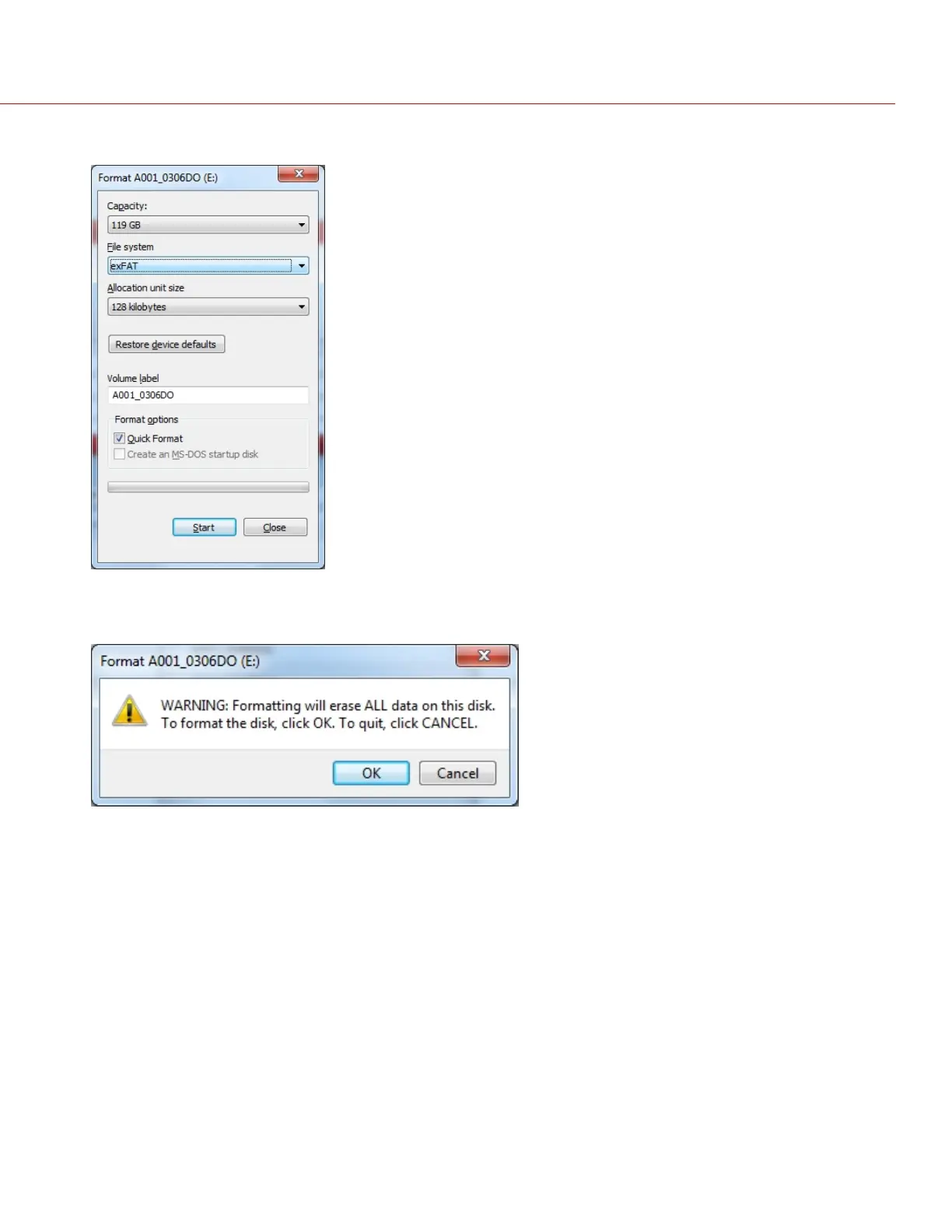
Click Start.
Figure: SSD Validation Screen
6.
Click OK.
Figure: Formatting will Erase All Data Warning
7. Eject the SSD from the computer.
NOTE: Properly eject/unmount the SSD from the computer before physically removing the SSD from the RED
STATION or turning off the RED STATION.
8. Remove the SSD from the RED STATION or RED STATION RED MINI-MAG – ESATA/USB 3.0.
9. Format the SSD in-camera. For more information, go to "Format Media In-Camera" on page43.
C O PYRIGHT © 2 017 R ED.C OM , LLC 955- 0047, REV- AH| 49
RED DSMC MEDIA OPERATION GUIDE



 To Next Page