49
15. Landing the helicopter
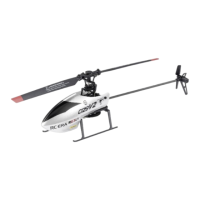
There are two landing options:
Automatic landing
Whenthehelicopterishovering,brieypressthepushbuttonfortake-off,landingandemergencystop(seealso
Figure 13, no. 10). The helicopter's main rotor will then reduce its speed so that the helicopter will descend and land
automatically. While charging, the helicopter can still be controlled and the landing point can be adjusted, if neces-
sary.Afterthehelicopterhaslanded,therotorsstopautomatically.ThehelicopterLEDashesduringtheautomatic
landing process.
When landing the model helicopter, make sure that there is no obstacle underneath it, which it could hit
while descending.
Caution, important!
Automaticlandingcanbecancelledatanytime.Todothis,youjustneedtobrieymovethejoystickforthe
pitch and tail function (see Figure 13, no. 9) up. The helicopter will then no longer descend any further, but
will hover at the current altitude.
Manual landing
Move the joystick for the pitch and tail function (see Figure 13, no. 9) down so that the helicopter slowly descends.
When it is back on the landing skids, hold the joystick in the lowest position until the rotors stop.


 To Next Page