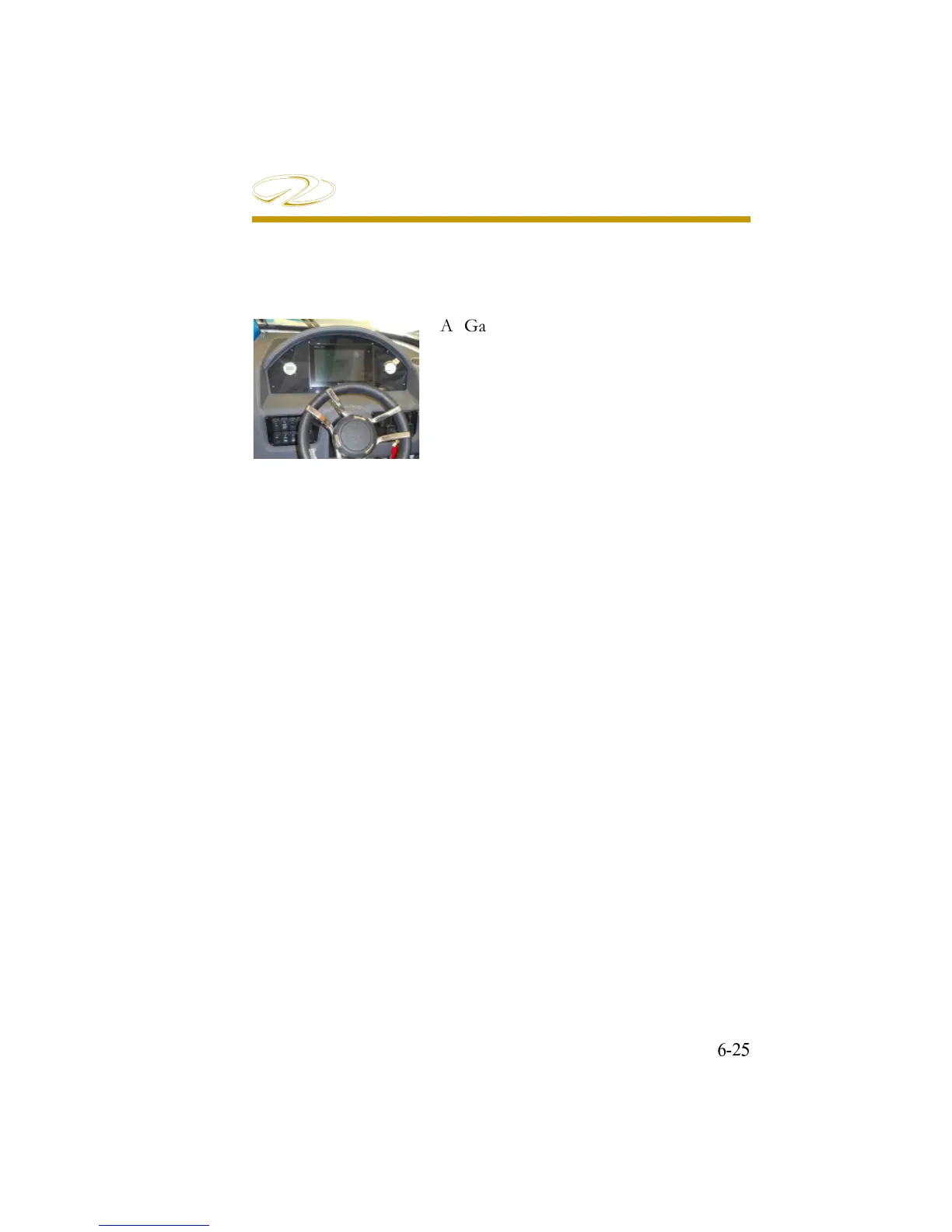
A Garmin 10” chartplotter is standard
equipment on your Regal 29 OBX. It
features many GPS functions along with
the ability to monitor engine system
functions including revolutions per minute
(rpm’s), GPS speed, voltage, fuel fl ow rate,
trim, and temperature along with tracking
engine hours.
Note that the Garmin and Fusion circuitry use individual sources to
power up each system. The key switch does not power up these
components. Also, note that the depth and fuel gauge displays
are independent of the Garmin engine displays.
Chartplotter Quick Start:
1. To power up the Garmin GPS press the “on” button located at the
upper charplotter display.
2. Load chart fl ash card into slot behind door. Second slot can be
used for Regal owners manual SD fl ash card if available.
3. Let cards load into chartplotter memory. May take a few seconds.
4. After cards are loaded a message is shown. Select I agree to move
forward in the display mode.
5.Select the HOME menu. Choices will be Favorites, Charts, Sonar,
Radar, or AV (Gauges and Controls).
Note: Soft keys on the bottom row change as the menu changes.
6. Refer to the Garmin Owner’s Manual for more detailed information.
CHARTPLOTTER


 To Next Page