4-6
PSC Console PC-2
4.4 Operation of the PSC Console in the PROGRAM Mode
The PROGRAM Mode is used for displaying, setting and modifying the attribute
data. This section describes the selection method of the PROGRAM Mode and the
operation of the PSC Console in this mode.
4.4.1 Selection of the PROGRAM Mode
Press the PROGRAM key to select the PROGRAM Mode. The following display
will appear.
P R O G R A MSystem Line
Error/Status Display Line
Attribute Data Monitoring Line
Attribute Data Setting/Modifying Line
4.4.2 Keys That Can be Used in the PROGRAM Mode
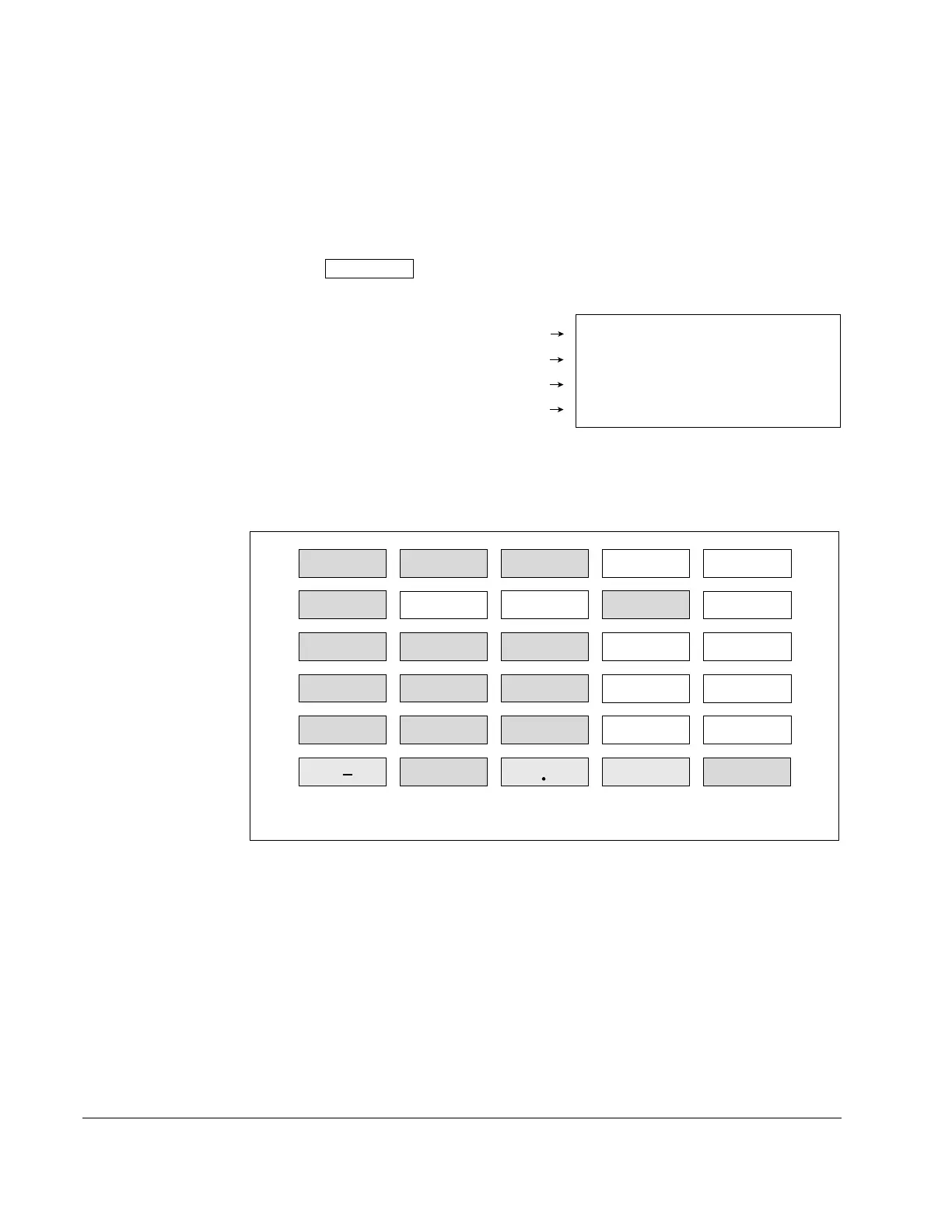
Only the keys grey-colored in Figure 4.3 can be used in the PROGRAM Mode.
RUN MONITOR
PROGRAM P-ROM SHIFT
ALLCLR VRFY MON DATA NO
123
456
789
0 CLR
C
E
PLAY
RCD
TEST
ENTER
DEL
+/
In the PROGRAM Mode, only the grey-colored keys shown in this figure can be used.
Figure 4.3 – Keys That Can be Used in the PROGRAM Mode



 To Next Page