2.131
ENG_UD78481_2
Caméra de recul (XFK - Renault)
Settings
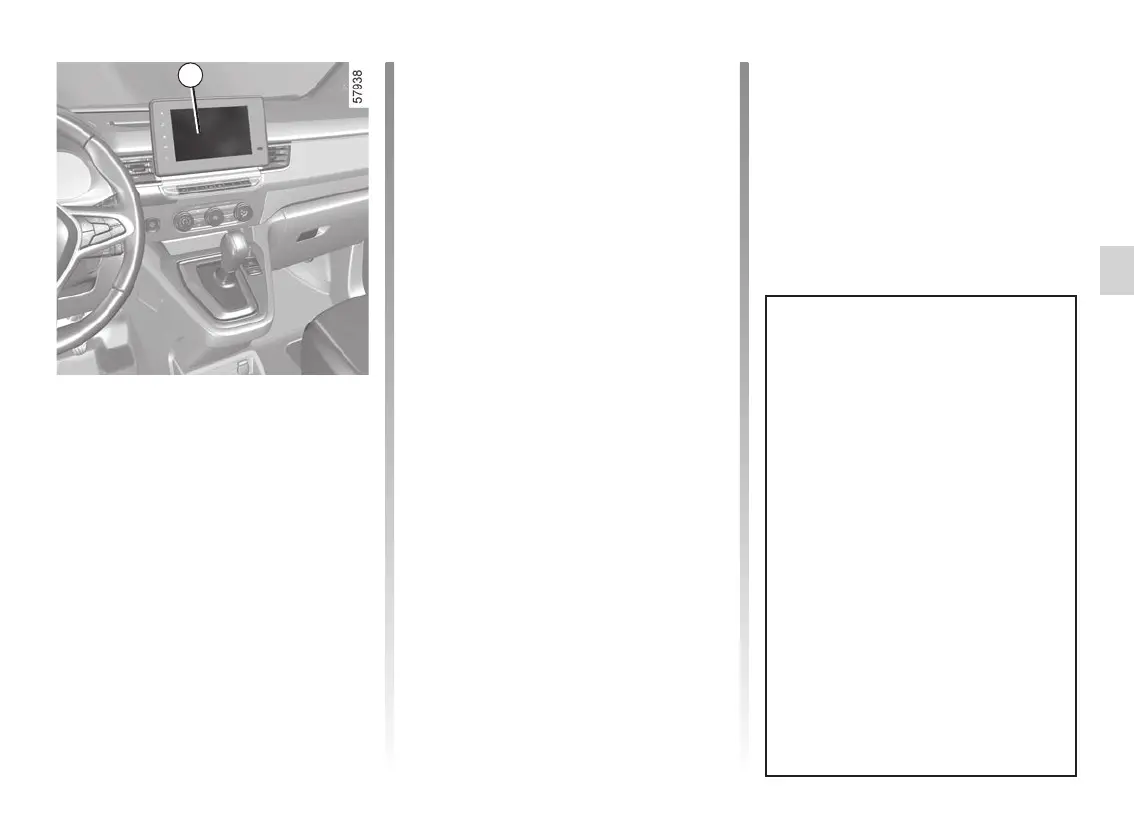
While the engine is on, from the multi-
media screen 2 you can add or remove
the guides and adjust the camera
image settings (brightness, contrast,
etc.). Please refer to the multimedia in-
structions for further information.
REVERSING CAMERA (3/4)
2
The screen shows a reverse mirror
image.
The frames are a representation
projected on a flat surface. This in-
formation is to not be taken into ac-
count when superimposed on a
vertical object or an object on the
ground.
Objects which appear on the edge
of the screen may be deformed.
In very bright light (snow, vehicle in
sunshine, etc.), the camera vision
may be adversely affected.
If the luggage compartment is open
or incorrectly closed, the message
“WARNING: Boot Open” appears
on the multimedia screen.
Operating faults
When reverse gear is engaged, if the
system detects an operating fault, a
black screen is displayed temporarily
on the multimedia screen 2.
This may be caused by a fault affecting
the camera or screen (clearness, fixed
image, delayed communication etc.).
If the temporary display of the black
screen persists, please consult an ap-
proved dealer.










 To Next Page