ADDITIONAL DRIVING AID FUNCTIONS
3
Driving - 199
– operation of the anti-lock braking
system;
– theactiveemergencybrakingsys-
tem is triggered;
– intervention of another function that
controls the steering system, such as
the "Lane Centring" function.
If the function is unavailable, the
warning light and left-hand and right-
hand correction indicators
4
change to
grey on the instrument panel.
When the front camera is obscured,
the"Frontcameranovisibility"mes-
sage appears on the instrument panel.
Clean the area where the sensors are
located
Automatic deactivation
Thefunctionisautomaticallydeactivat-
ed when:
– The vehicle dynamics control system
is deactivated;
– The electronic stability system is
malfunctioning;
– Theanti-lockbrakingsystemismal-
functioning;
– a towbar is electrically connected to
the trailer hitch socket;
– warning light is displayed.
When the function is deactivated, the
warning light isdisplayedinyel-
low on the instrument panel.
Settings
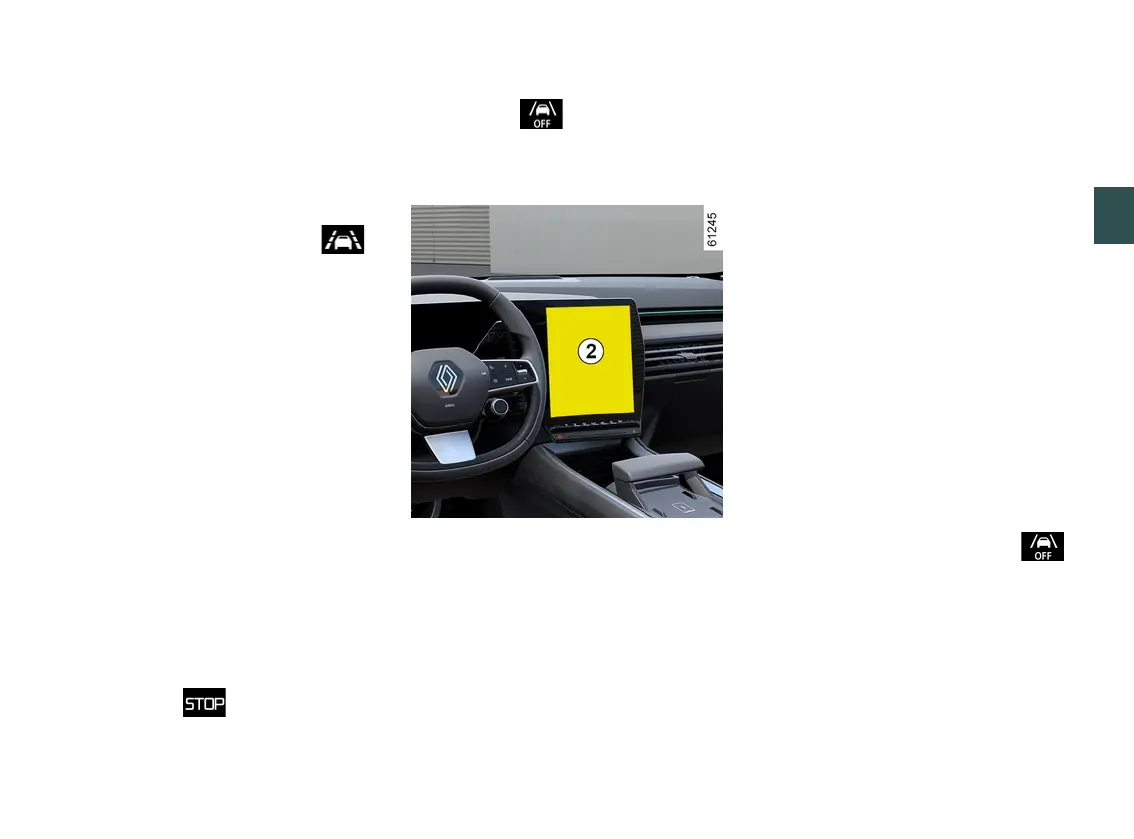
Toaccessthemultimediascreenfunc-
tion settings
2
, refer to the multimedia
instructions:
– " Operation on broken line": use this
setting to select the response of the
function if the vehicle crosses a broken
linewithoutactivatingthedirectionin-
dicators:
– selected setting: the function may
trigger an action on the vehicle's
steeringsystemtocorrectthevehi-
cle trajectory;
– setting not selected: the function
can warn the driver by means of a
vibrationatthesteeringwheelwith-
out correcting the vehicle trajectory.
– "Vibration": adjust the steering wheel
vibrationforthe"Lanedeparturepre-
vention" function;
– "Lane exit anticipation": adjust the
line detection sensitivity level. To do
this, select:
– “Late”:linedetecteduponcross-
ing;
– “Standard”:linedetectedonap-
proach;
– “Early”linedetectednearby.
Pleaserefertothemultimediainstruc-
tions for further information.
Operating faults
When the system detects an operating
fault, the left-hand and right-hand line
indicators and the warning light
aredisplayedinyellowontheinstru-
ment panel.
In some cases, they are accompanied
by the following message:
– «Drivingassistunavailable»;
or
– «CheckFrontcamera»;
or
– «Check Driving assist».



 To Next Page