EN
5.5 Setting the switch-on threshold for the automatic operation mode
Set the switch-on threshold, the moment when a connected electronic
device starts the extraction unit�
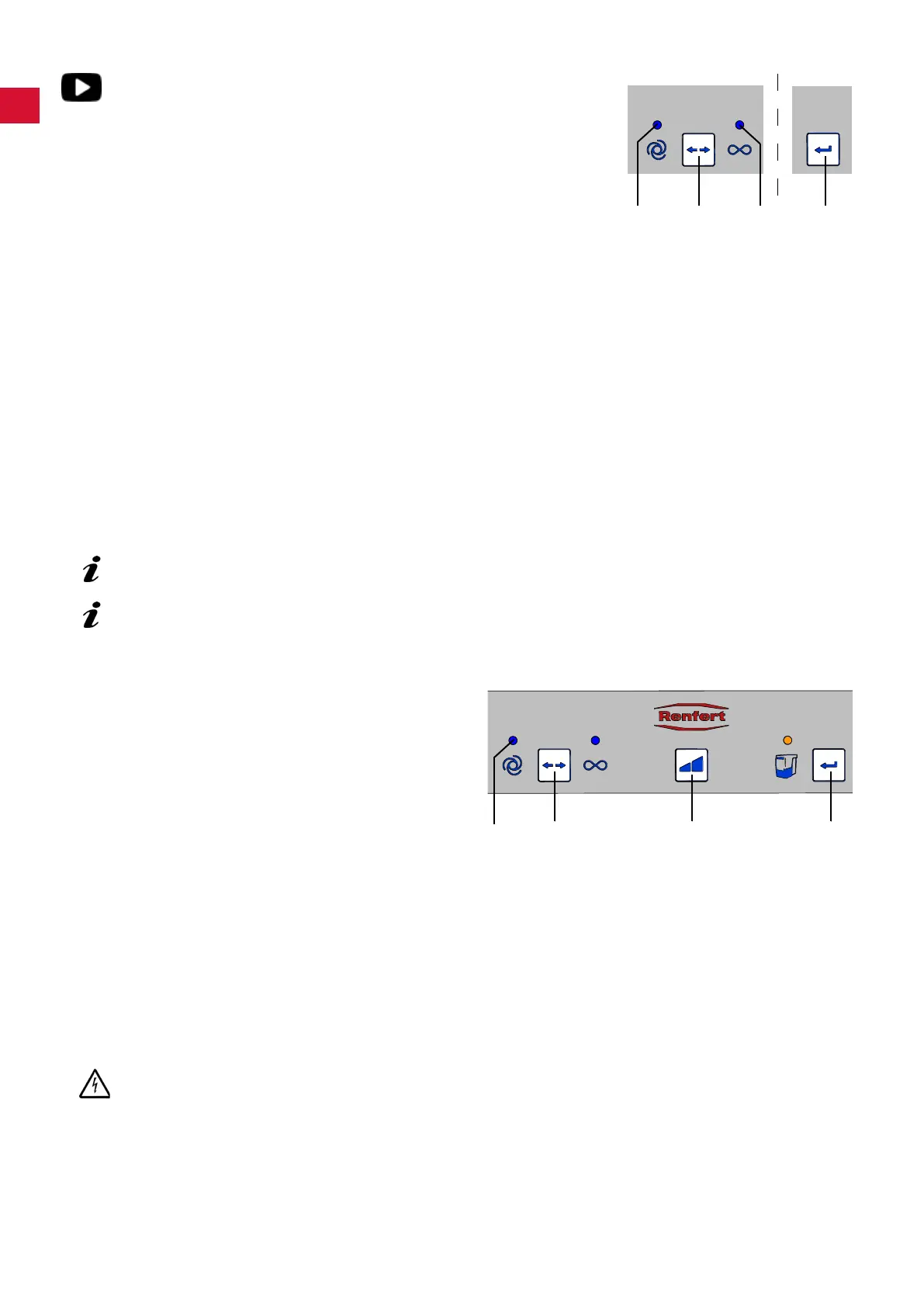
♦ Automatic mode is selected; the display (20) lights up (if the unit is
not already in this mode, switch to automatic mode)�
⇒ Press the operation mode key (21) for at least 3 seconds�
♦ The display for automatic operation (20) blinks�
♦ The display for continuous operation (22) is off�
⇒ Switch the electronic device off or switch the device to stand-by
mode (e�g� with a handpiece, only switch the control device on with-
out activating the handpiece)�
⇒ Press the enter key (25)�
♦ The display automatic operation (20) lights up�
♦ The display continuous operation (22) blinks�
♦ Anacousticsignalwillconrmthesetting.
⇒ Switch the electronic device on, e�g� activate the handpiece at the rpm at which the extraction unit
should function and let it run for 3 - 5 seconds (to allow for over currents which occur when the device is
initially switched on)�
⇒ Press the enter key (25) (whilst the handpiece is still in use)�
♦ The display for automatic operation (20) and continuous operation (22) light up at the same time for
approx� 2 seconds�
♦ Anacousticsignalconrmsthesetting.
The set switch-on threshold is saved�
Devices with a stand-by mode should be switched on approx. 5 minutes before setting, in order to
prevent measurement errors.
If there is a fault with the switch-on threshold, the error display (26, Fig. 2) will show and an
acoustic signal will be emitted 3 times. Press the enter key (25) and repeat the programming.
5.6 Deactivating the automatic start in the automatic operation mode
This special function allows the automatic ex-
traction start in the automatic operation mode to
be temporarily deactivated, e�g� when handpiece
use is required without suction�
This special function is only available in the auto-
matic operation mode�
♦ The automatic function is set (display (20) is
alight)�
⇒ Press the suction level key (23) for at least
3 seconds�
♦ Anacousticsignalwillconrmthedeactivation.
♦ The display automatic operation (20) blinks�
In order to re-activate the automatic start:
⇒ Press keys (21, 23 or 25), or
⇒ switch the unit off at the on/off switch (9, Fig� 1)�
6 Cleaning / Maintenance
Opening the device, other than for the processes described below, is not permissible!
6.1 Cleaning
Use a damp cloth to clean the outside of the unit�
Do not use abrasive or solvent-based cleaning agents�
25
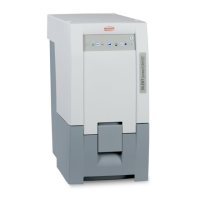
20 21 22
20 21 23 25
- 10 -


 To Next Page