EN
6.2 Empty Dust Drawer
After the set time period has expired (see chapter 6�2�1), a signal to empty the
dustdrawerwilloccur.Beforethedustdrawerisemptied,altercleaningfunc-
tion is carried out so that loose dust particles fall into the dust drawer�
The time period has expired:
♦ An acoustic signal will occur 3 times�
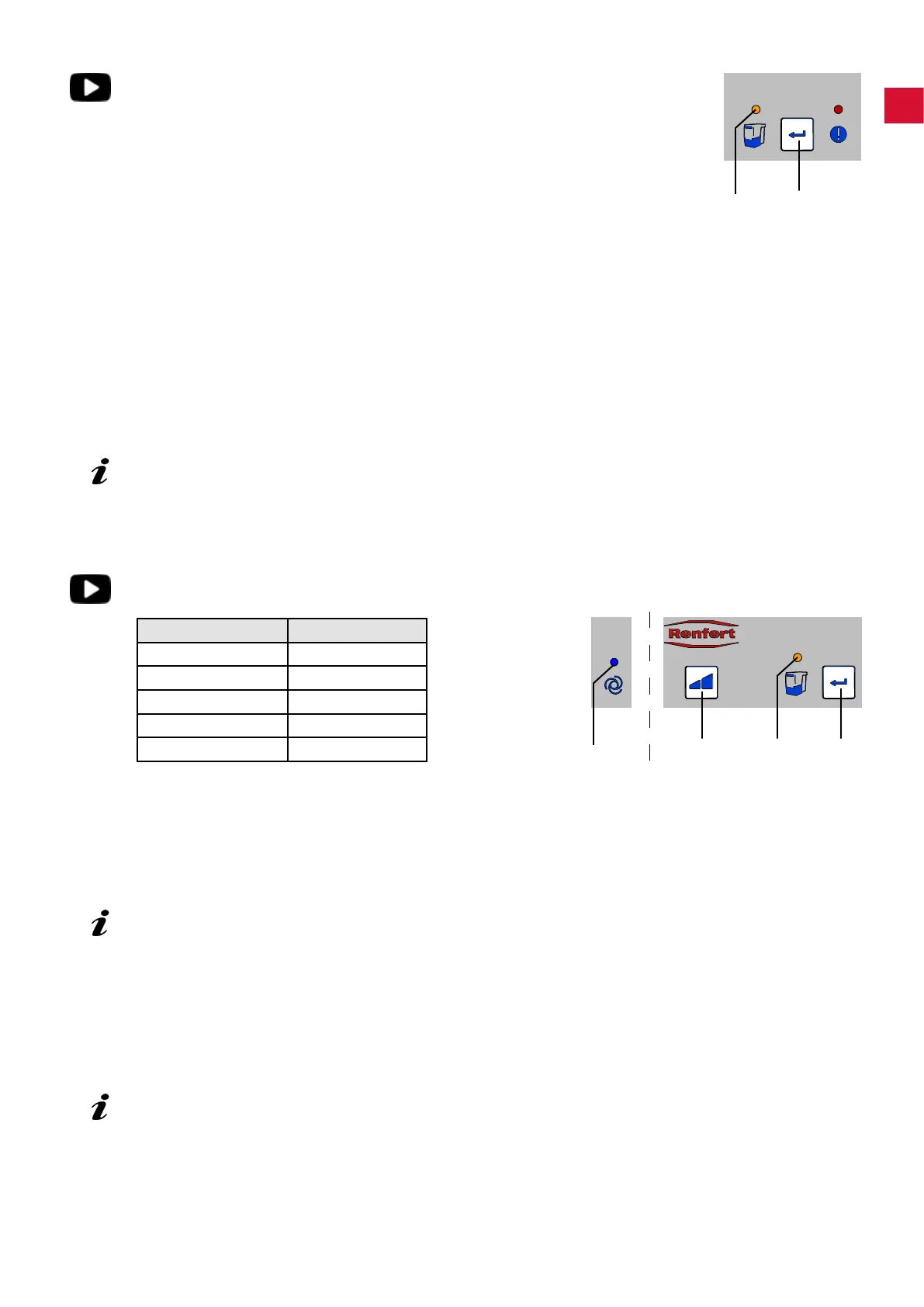
♦ The display dust drawer (24) lights up�
Whenthesuctionhasstopped,anacousticsignaloccurs3timesandalter
cleaning function is carried out�
Whentheltercleaningfunctionhasnished:
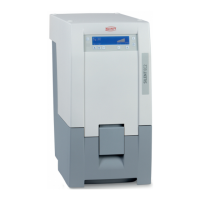
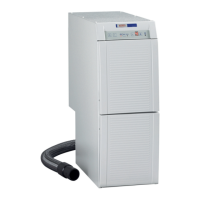
⇒ Pull the dust drawer (3, Fig� 1) out to the front and empty�
⇒ Replace the dust drawer until it clicks into place�
⇒ Press the enter key (25) (the counter which determines the time period is re-set)�
♦ Anacousticsignalconrmstheinput.
♦ The display dust drawer (24) light disappears�
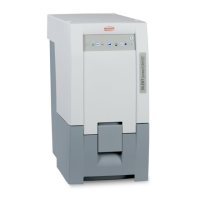
If the dust drawer is not emptied, the display for the dust drawer will remain alight (24, Fig. 11).
When the unit is switched off/on an acoustic signal will occur to remind that the dust drawer
needs emptying.
6.2.1 Setting the time period “Empty Dust Drawer”
Five different time periods can be selected�
Time period / hrs. Blink signal
2 1 x
5 2 x
10 3 x
50 4 x
100 5 x
To select time period:
⇒ Switch the unit off at the on/off switch (9, Fig� 1)�
⇒ Switch the unit on at the on/off switch and keep the enter key (25) pressed until:
♦ The display automatic mode (20) lights up�
♦ The display dust drawer (24) signal blinks in correspondence to the set time period�
When the unit is switched on all 4 displays shortly light up (Display performance check).
⇒ Select the required time period by pressing the suction level key (23)�
By pressing this key it is possible to choose between 5 time periods� The selected time period is shown
with the corresponding blink signal�
When the required time period has been selected:
⇒ Press the enter key (25)�
♦ The display dust drawer (24) lights up for 2 seconds�
♦ Anacousticsignalconrmstheinput.
With strong dust-generating devices (e.g. sandblasting units) the time period for the “empty dust
drawer” should be adjusted to 2 hrs. or 5 hrs.
24 25
23 24 25
20
- 11 -


 To Next Page