52
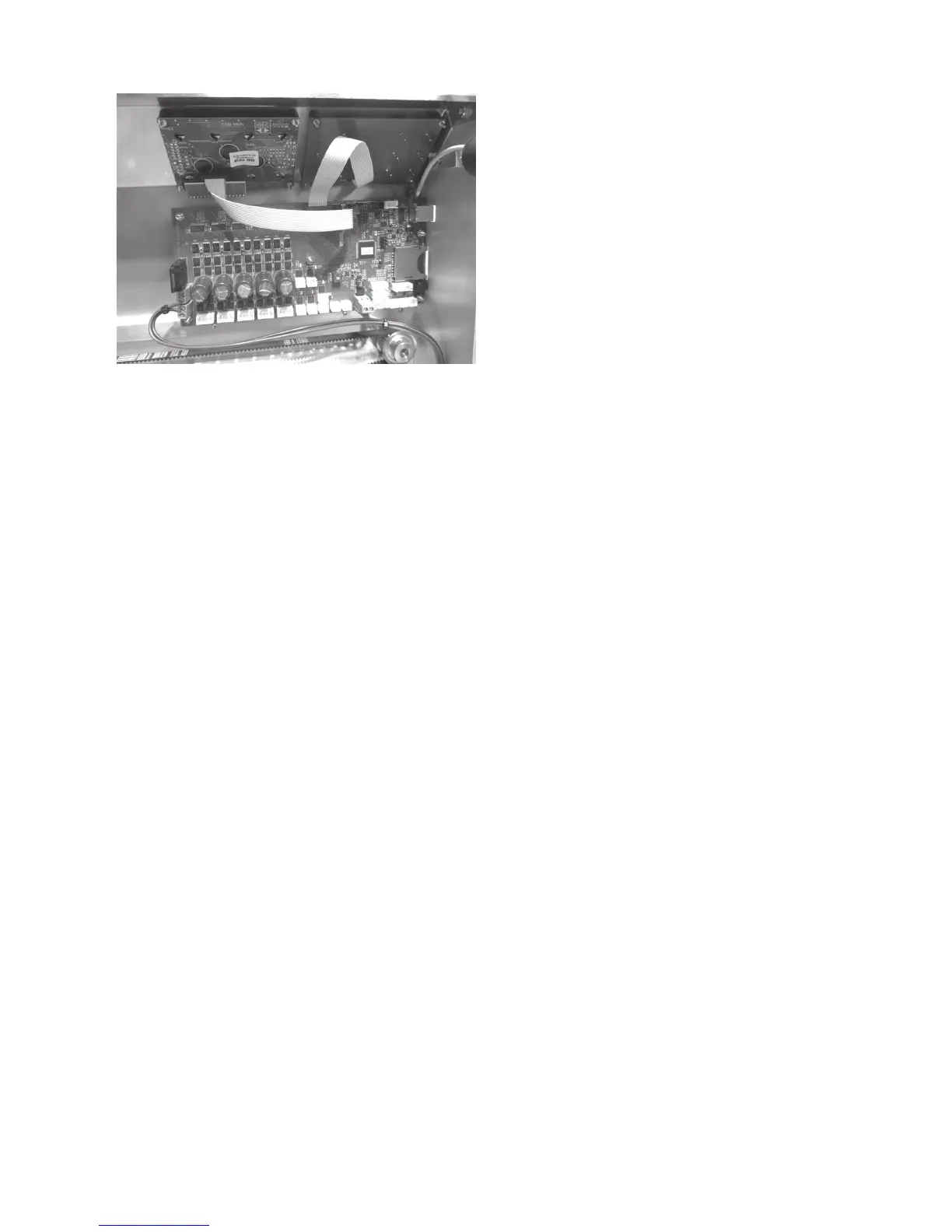
Connection of display and keyboard PCB
Connect the flat-band line already connected to the keyboard
PCB to plug strip X23 of the main PCB.
Connect the remaining flat band line to the untwisted plugs at
the display PCB and the plug strip X21 of the main PCB. Ob
-
serve correct position of the latching tabs at the plugs again.
Optionally, the plug connections can be secured with a drop
of hot-glue.



 To Next Page